Call us to schedule a consultation! 770-977-9110 

Smart Home Ideas by Room: Practical Upgrades Worth Planning For

smart-home-ideas

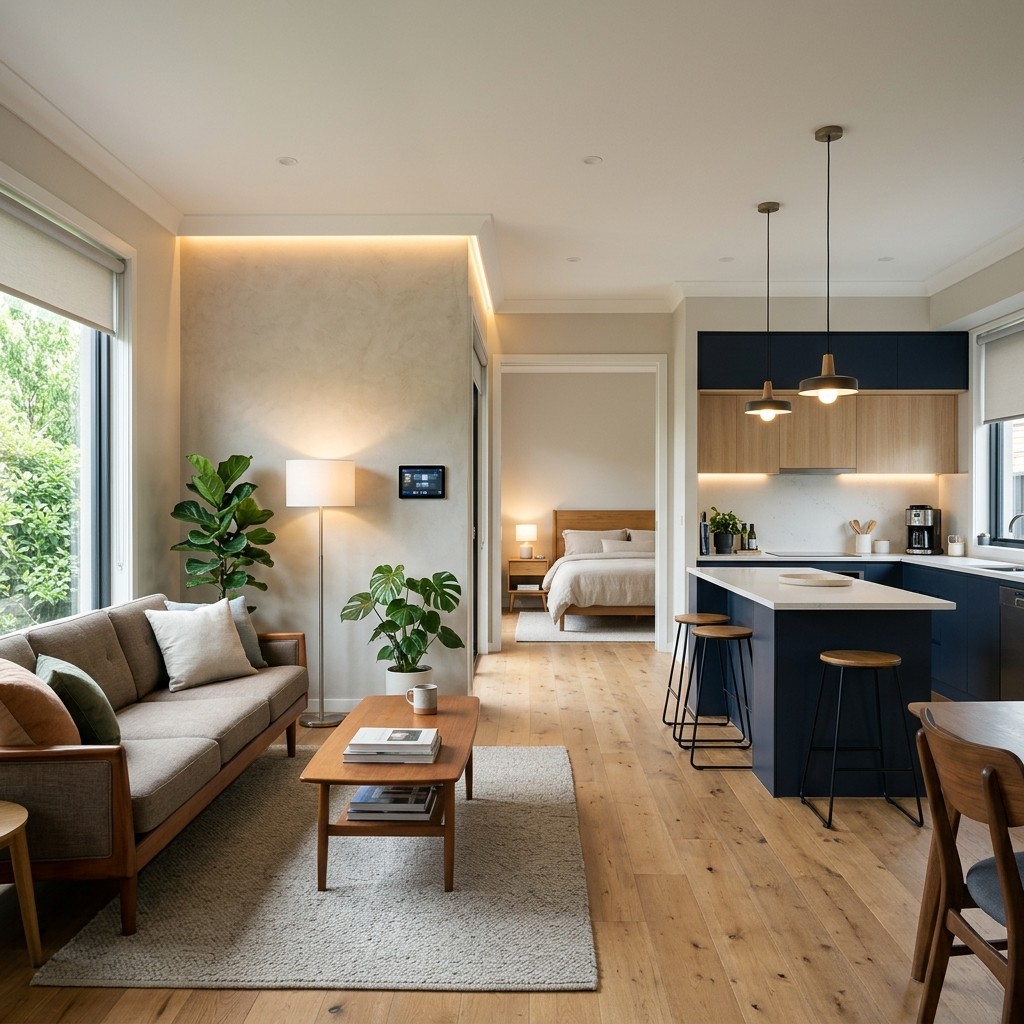
The best smart home ideas match how you use each room every day. Picture one button at the front door, layered kitchen lights, shades that follow the sun, gentle morning lighting in the bedroom, and music on the patio. These smart home upgrades work best when you plan them room by room and install them as one connected system.

Most homeowners gather home automation ideas from friends, showrooms, and social media. Next, choose which smart home features belong in each room and which ones need wiring before the walls close. This guide walks through each space so you can collect smart home automation ideas now and plan the project with confidence later.

Entry and Living Spaces

Your entry and living areas see the most foot traffic, so good planning pays off in daily convenience. A welcome scene turns on the foyer and hallway lights as soon as you arrive. One goodbye button by the door turns everything off, locks the doors, and sets the alarm as you leave.

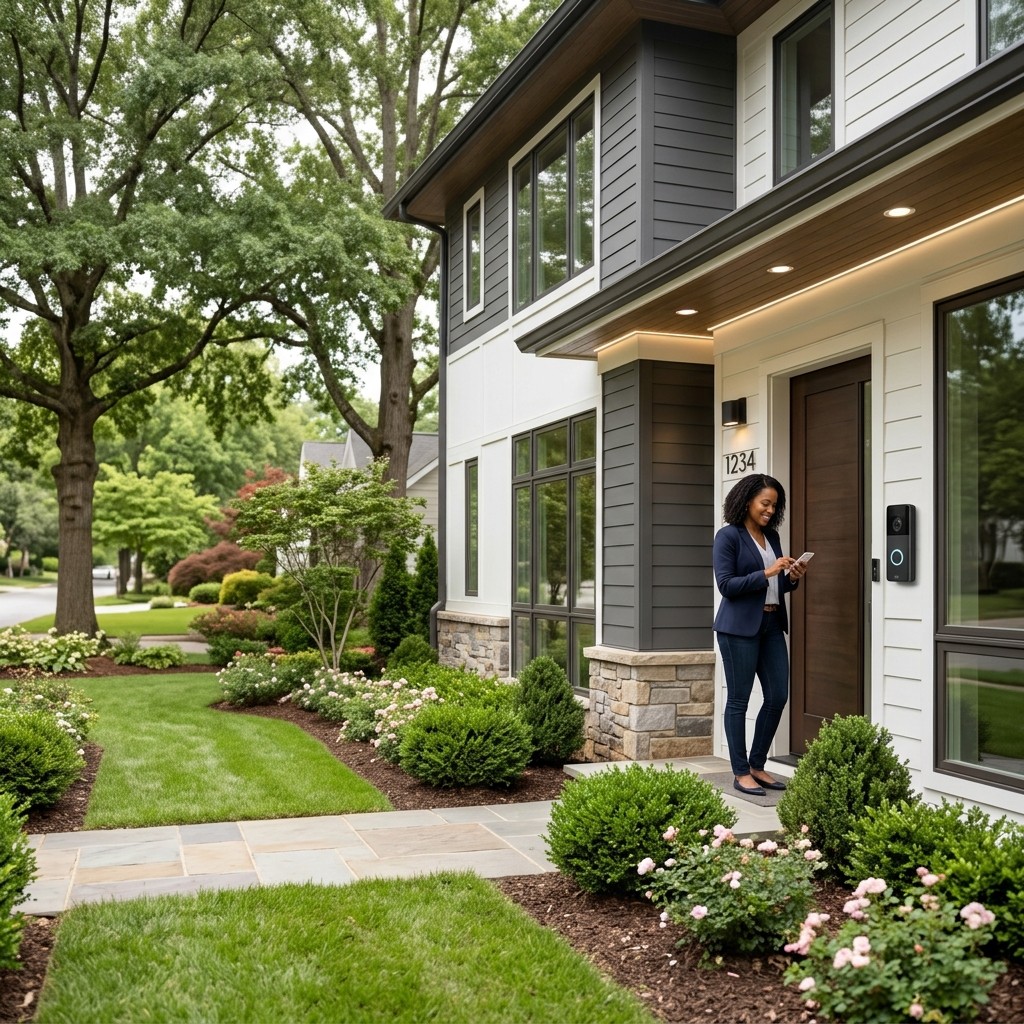
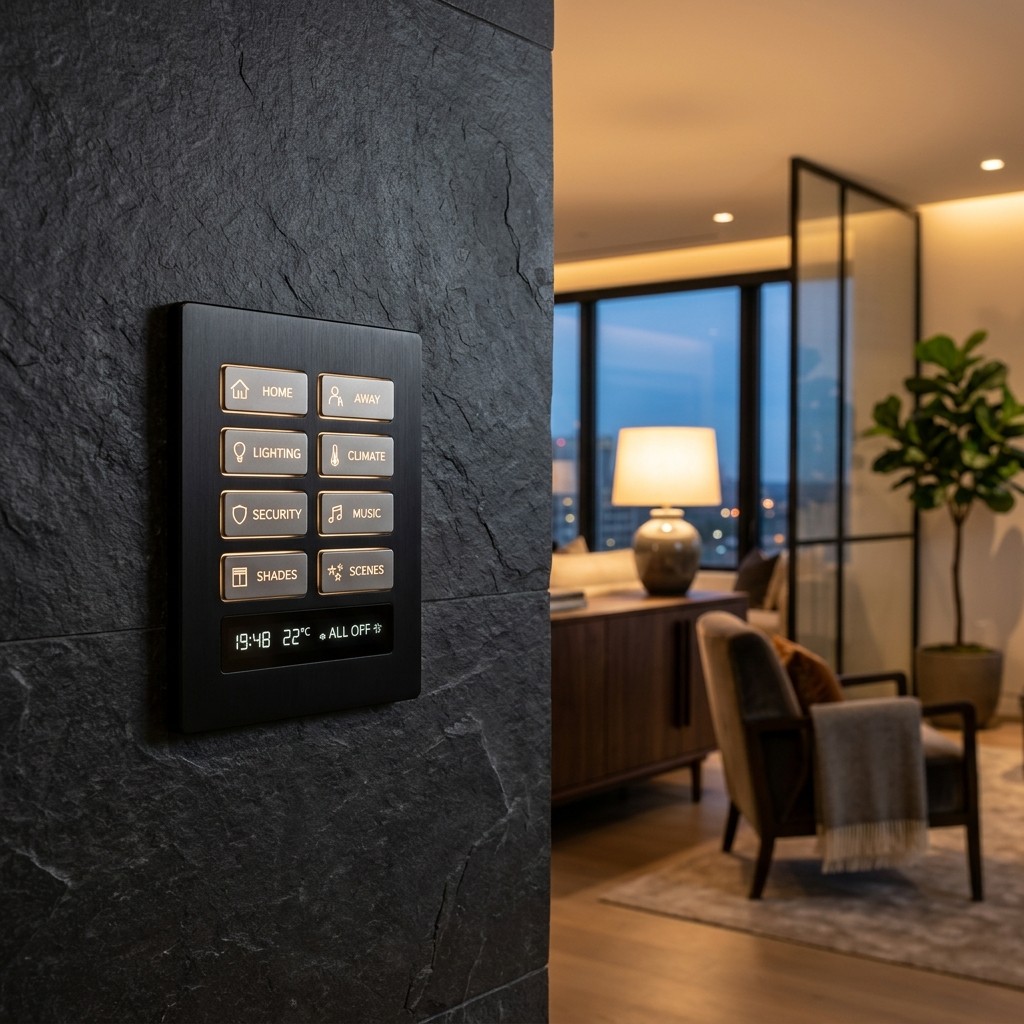
A video doorbell shows visitors on your phone or a touchscreen, and smart locks let a dog walker or contractor in with a temporary code. Engraved keypads labeled Entry, Evening and All Off replace a crowded row of switches. These small touches are some of the first smart home ideas guests notice when they walk in.

In the living room, scenes such as Entertain, Relax and Movie set every light to the right level at once. Motorized shades lower when afternoon glare hits the TV, and ceiling speakers keep music playing in the background. A single remote runs the TV, streaming, sound, and lights, all tied together through home automation that works the same way in every room.
Continue reading

Home Theater Lighting: How to Light a Theater Room Without Washing Out the Picture

home-theater-lighting

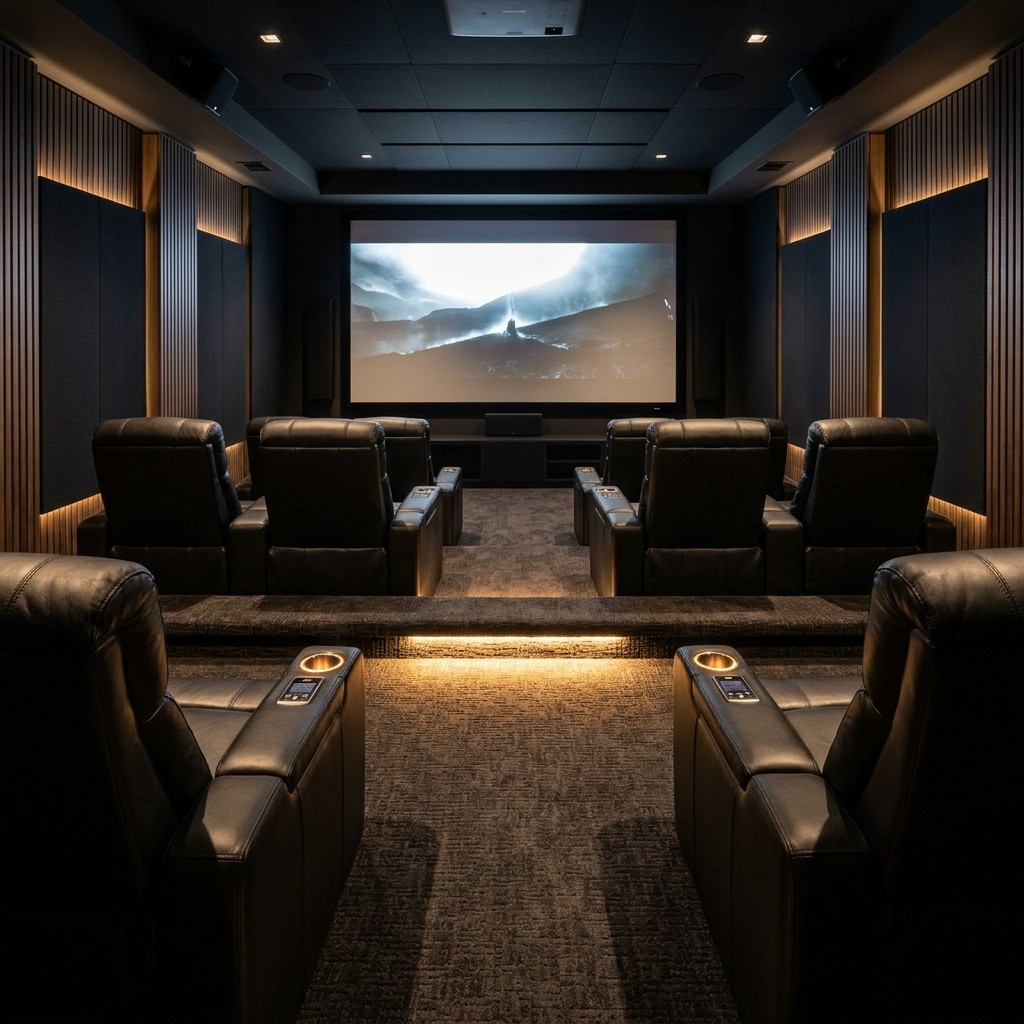
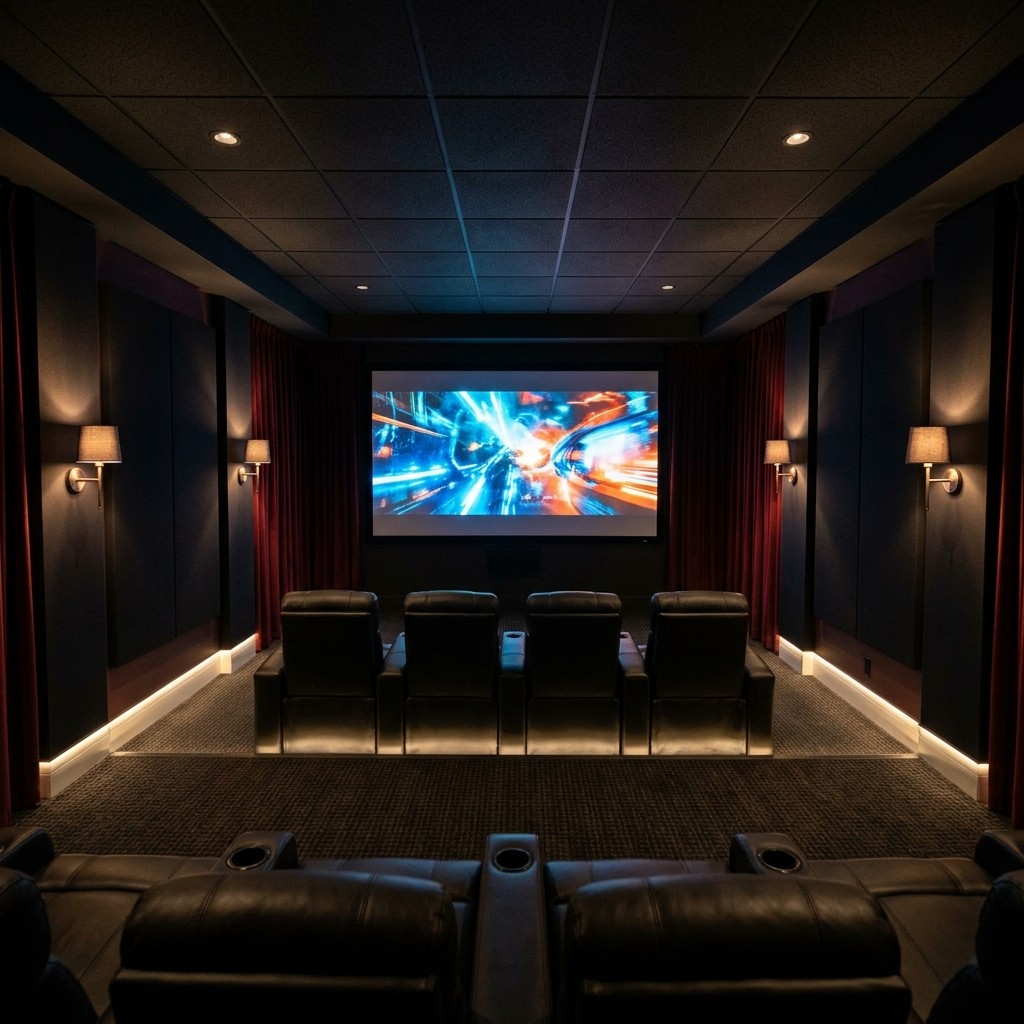
Great home theater lighting uses three dimmable layers: soft ambient light, low accent light, and gentle step lights. Each fixture aims away from the screen, and every layer ties into scenes that dim the room the moment the movie starts. Recessed or cove fixtures, bias lighting behind a TV, and one simple keypad or remote bring the whole plan together.

The goal is a room that feels bright and welcoming for guests, then dark and cozy once the film begins. Deep blacks and rich colors come from a screen that stays free of stray light. Below, we share the ideas we use when designing theater rooms across North Atlanta.

Lighting Layers for a Theater Room

A theater room works best with three layers of light: ambient, accent, and path, each on its own dimmable circuit. Separate circuits let one layer fade down as another stays on. This simple setup gives a home cinema its true theater feel.

Ambient light fills the room for entering, cleaning, and conversation. Recessed downlights with deep, regressed trims hide the bulb, and cove lighting bounces a soft glow off the ceiling. Fixtures set flush with the ceiling keep sightlines clear and the screen free of reflections.

Accent lights such as sconces, framed poster lights, and fiber optic star ceilings add character at a low, warm level. Step lights in each riser and low aisle lights guide guests to their seats once the room goes dark. These home theater lighting ideas carry over well to media room lighting, where a family room switches between everyday living and movie night.

Continue reading

Outdoor Movie Screen: Permanent vs. Portable Setups for a Backyard Theater

outdoor-movie-screen

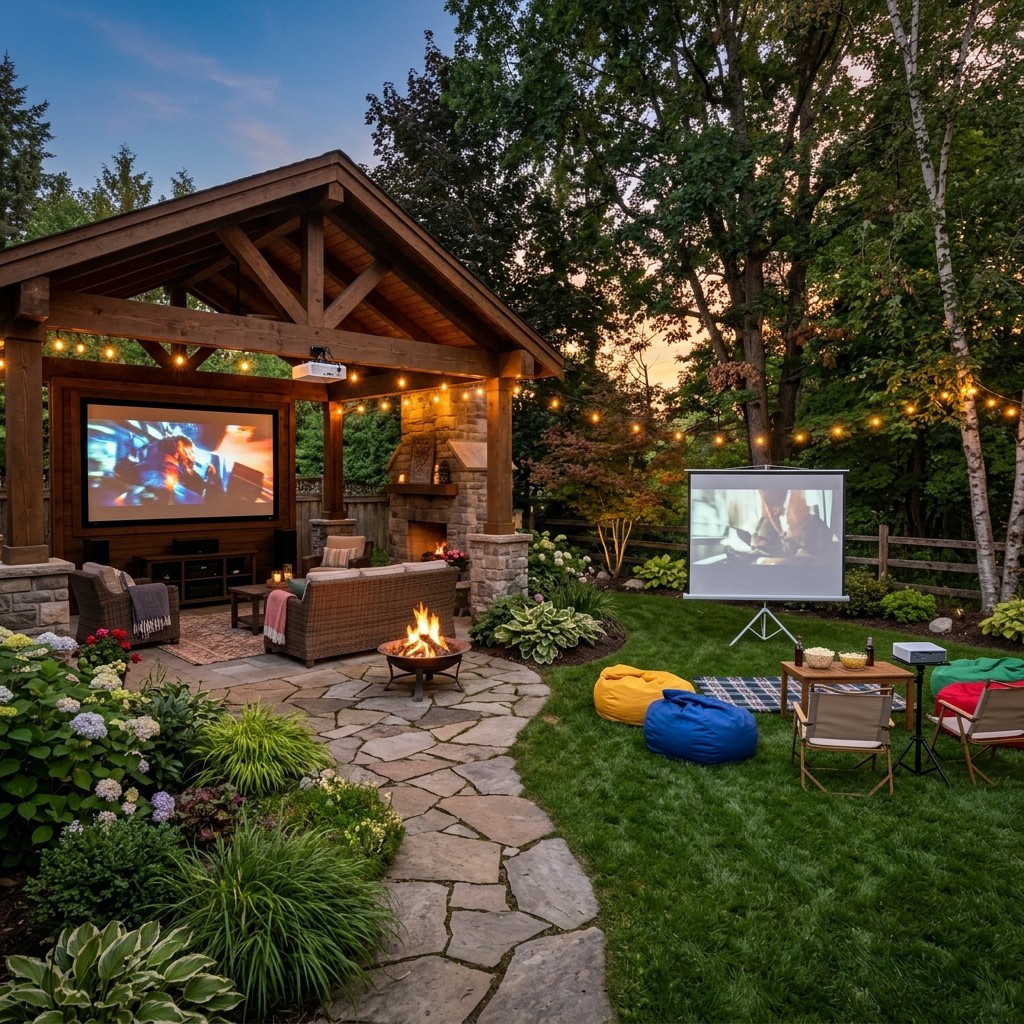
The right outdoor movie screen depends on how often your family plans to use it. A portable or inflatable screen works for occasional outdoor movie nights. A permanent setup suits a backyard movie theater you can use any evening, with a fixed frame or motorized screen, a mounted outdoor movie projector or outdoor TV, and weatherproof speakers.

Most homeowners start with a portable screen and soon feel the setup time. Each night begins with inflating the screen, balancing a projector on a folding table, and pairing a small Bluetooth speaker to fill the yard. A permanent outdoor entertainment system turns all of that into one button press, and the sections below walk through screens, projectors, light, sound, and weather.

Portable vs. Permanent Screens

Portable screens come in two common styles: inflatable screens held up by a blower fan, and tripod or frame screens assembled for each use. Both are affordable and easy to store, whether you rent or own your home. Each setup includes a blower that runs through the film and fabric that moves in a breeze, so portable screens look their best on calm, fully dark evenings.

A permanent outdoor movie screen mounts to a wall, pergola, pavilion, or freestanding frame. A fixed tension screen stays flat and taut, and a motorized retractable screen lowers with one button press and rolls into a protective housing after the credits. Both use outdoor-grade material and stay aligned with a mounted projector, so the picture is sharp and ready every time.

When homeowners ask about the best outdoor projector screen, material and mounting matter most. Look for a screen built for outdoor exposure with a tensioned surface that stays flat. Match the screen gain to your projector and viewing area for a sharp outdoor movie screen all season.

Continue reading

What is a Smart Home? A Plain-English Guide for Atlanta Homeowners

what-is-a-smart-home

A smart home is a house where lighting, climate, shades, entertainment, and security connect and are controlled from one place. You run it from a phone, a touchscreen, a keypad, or your voice. If you have ever wondered what is a smart home, that is the simple answer.

These systems also run on schedules, sensors, and scenes. The house follows your daily routine and handles small tasks for you. This guide explains what a smart home controls, how the parts connect, and how Atlanta homeowners can get started.

The Short Answer

A smart home is a connected home you control from one interface that can automate everyday tasks. This definition fits a house with three connected devices, and it also fits a fully integrated home. Anyone researching what is a smart home can start with this simple idea.

Many people also ask what home automation is and how it fits in. In the home automation vs. smart home discussion, smart home describes connected devices and remote control, while home automation describes the house acting on its own. For example, shades lower when afternoon sun hits the west windows, and every light turns off when you press "Goodnight."

A thoughtfully planned home does both. That is why professional smart home automation treats control and automation as one design goal. Part of understanding what is a smart home is seeing these two ideas work as one.

Continue reading

Smart Home Hub vs. Whole-Home Control System: What's the Difference?

smart-home-hub

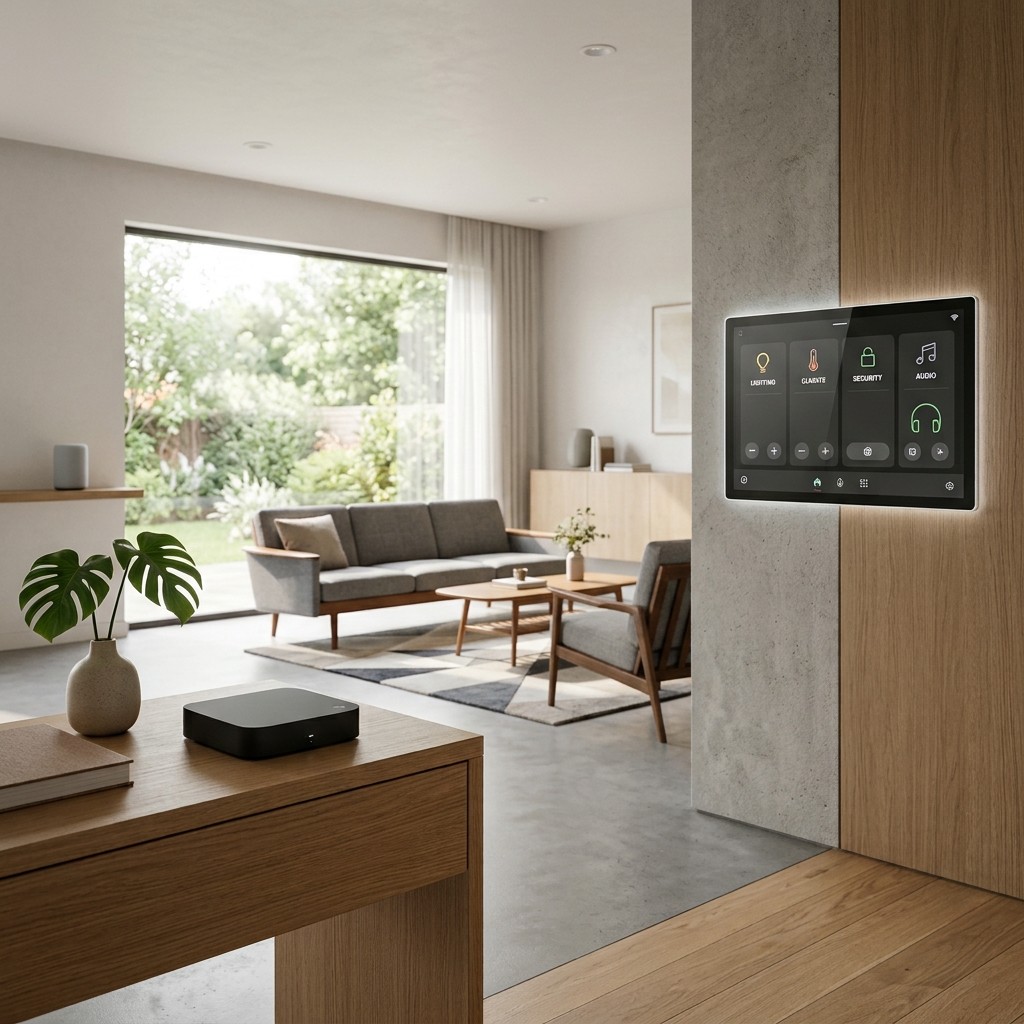
A smart home hub is a single device that links a few smart products, such as plugs, bulbs, locks, and sensors, so you can control them from one app. A whole-home control system, such as Control4, is a professionally designed and programmed platform that brings lighting, shades, audio, video, climate, and security together in one dependable interface. Smaller homes with a few devices work well with a hub, while larger homes where everything works as one are better served by a control system.

Many guides compare one hub against another. For most homeowners, the better first question is which category fits the house. The answer depends on your home's size, how many systems you want connected, and how much setup work you enjoy.

What a Smart Home Hub Does

If you have ever asked what a smart home hub is, think of it as a translator for your devices. Smart products speak different wireless languages, such as Wi-Fi, Zigbee, Z-Wave, Thread, and Matter. A home automation hub sits in the middle, so you can control them all from one app or voice assistant.

Once your devices are paired, the hub turns lights and plugs on or off from your phone or on a schedule. It runs simple routines, like turning on lights at sunset or locking doors at 10 p.m., and sends alerts from door, motion, and leak sensors. A connected voice assistant adds easy spoken commands.

A smart home hub costs little, is easy to buy, and is built for DIY setup. For a condo, a starter home, or a few rooms of smart bulbs, it often covers everything you need. Its strengths are low cost and quick setup, and it's best for smaller homes.

Continue reading

Home Stereo System Guide: Two-Channel Hi-Fi vs. Whole-Home Music

home-stereo-system

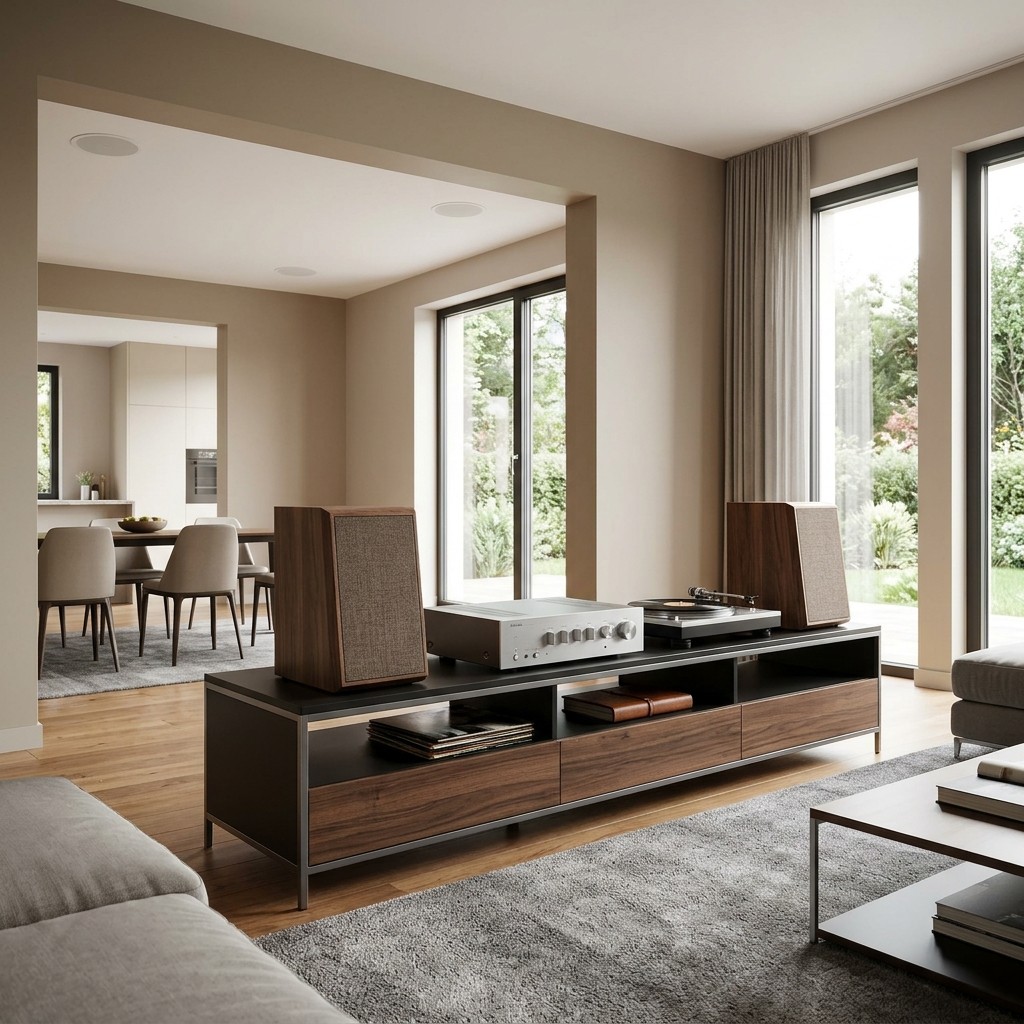
Today, a home stereo system comes in two main forms: two-channel hi-fi and whole-home music. Two-channel hi-fi uses a pair of speakers, an amplifier, and a source in one room, built for focused listening. Whole-home music places speakers in multiple rooms and streams them from one system you control with your phone or keypad.

Pick two-channel hi-fi when sound quality in one room matters most to you. Pick whole-home music when you want songs playing in every part of the house. Many homeowners enjoy both, and this guide explains what each setup needs in room, wiring, and equipment.

Two-Channel Hi-Fi: What It Is

Two-channel audio is the classic stereo format, with a left speaker and a right speaker. The pair plays a recording the way the artist mixed it. A good setup creates a stereo image, where vocals sit between the speakers and instruments spread across a wide stage.

What a Two Channel Home Stereo System Includes

A two-channel home stereo system has four main parts. Speakers come first, and floorstanding towers or bookshelf models on stands both work well. Monitor Audio builds speakers made for this kind of focused listening.

Next comes amplification, either through an integrated amplifier or a separate preamplifier and power amplifier. The source can be a network streamer, a turntable, a CD transport, or a mix of these. A digital-to-analog converter (DAC) turns digital files into the signal your amplifier uses, and most streamers and amplifiers include one.

Continue reading

TV Lift Cabinets and Motorized TV Lifts: How a Hidden TV Actually Works

tv-lift

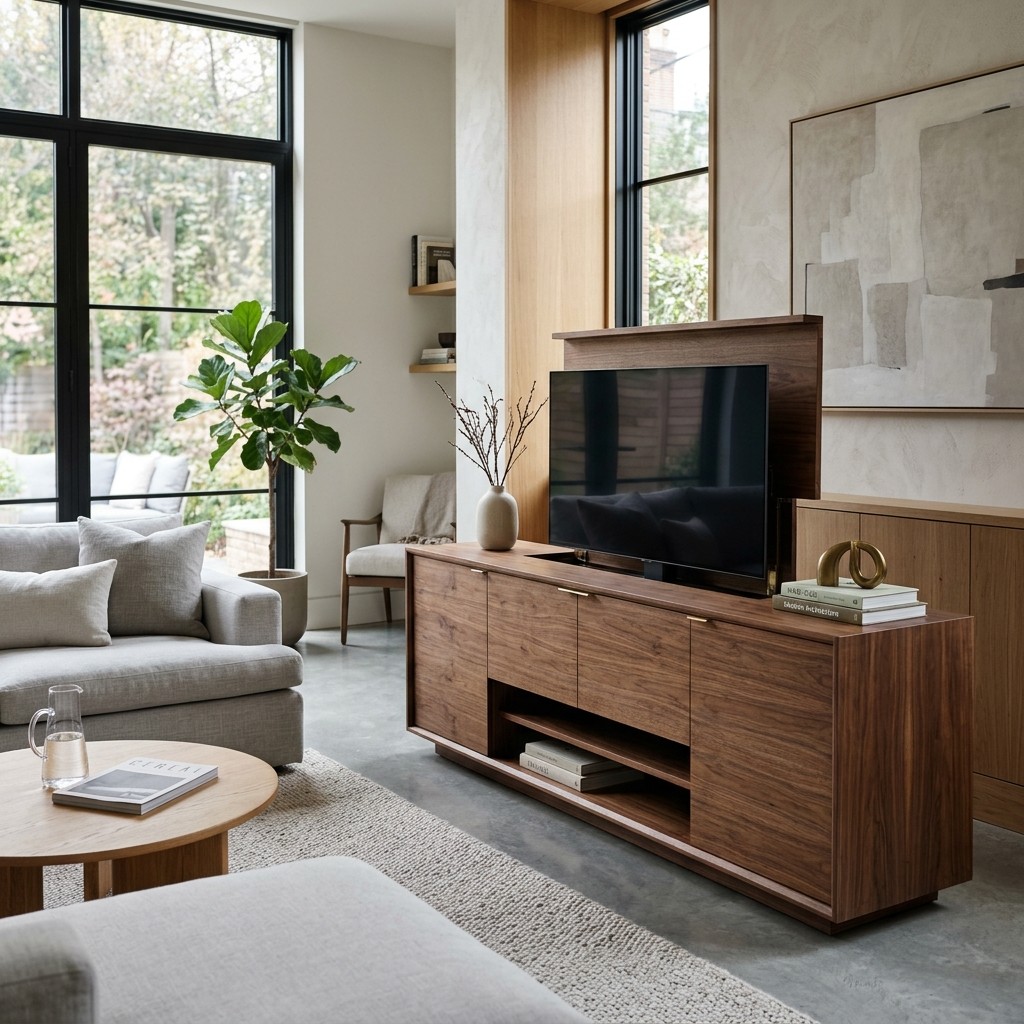
A TV lift is a motorized mechanism that raises your television out of a cabinet, a piece of furniture, or the ceiling when you want to watch. One button press lowers it back out of sight when the show ends. The room then stays designed around the furniture, the view, or the fireplace.

For homeowners who want a TV hidden in furniture, a professionally installed motorized lift is the cleanest way to get there. The lift, cabinet, power, and control system are all planned together. Done well, it ranks among the most elegant hidden TV ideas and pairs well with the rest of the hidden technology in a smartly integrated home.

How a TV Lift Works

Every motorized TV lift shares the same core parts: an electric motor, a lifting column, a TV mounting bracket, and a control module. The motor drives the column up or down along a fixed track. That steady, straight path keeps the TV smooth and stable as it moves.

There are three common styles to choose from. A pop-up TV lift raises the screen from a cabinet, credenza or footboard, and it is the favorite for living rooms and bedrooms. A drop-down lift lowers the TV from a ceiling cavity, and a flip-down or swivel lift lets one screen face several seating areas.

Most lifts include soft start and soft stop, so the TV rises and settles gently. Many also offer a programmable stop height and sensors that pause travel when something sits in the path. Weight capacity and screen size limits vary by model, so you choose the TV first and the lift second.

Continue reading

Motorized Projector Screens: Retractable, ALR, and Acoustically Transparent Options Compared

motorized-projector-screen

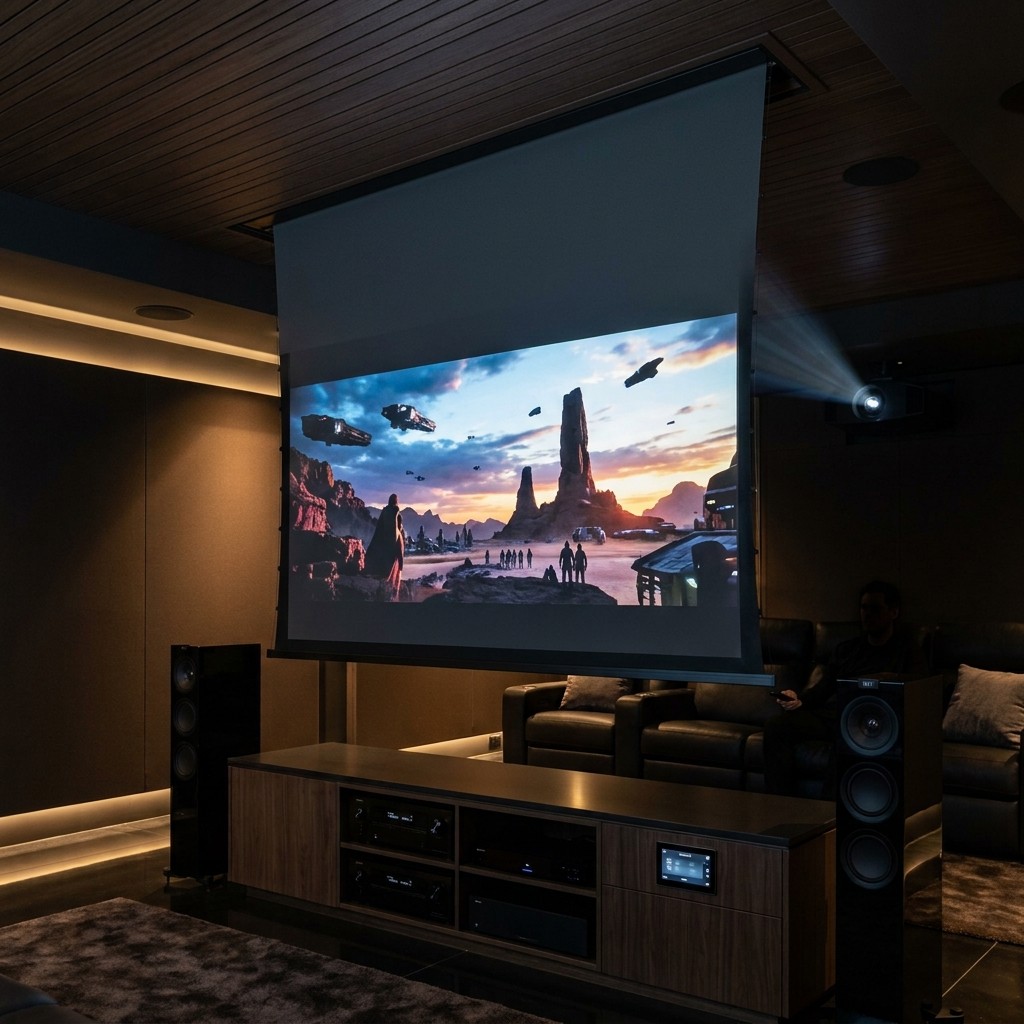
The best motorized projector screen for your home depends on three things: your room's light, your speaker plan, and how much you want the screen to tuck away. A white retractable projector screen works well in a dark, dedicated theater, and an ALR projector screen suits rooms with windows or light walls. An acoustically transparent screen lets the front speakers sit behind the picture, and a ceiling recessed screen hides everything from view.

Many homeowners combine these features, such as a ceiling-recessed screen with an ALR surface. The right surface brings out your projector's full color and contrast. This guide compares each option so you can match the screen to your room.

Motorized, Retractable or Fixed

A motorized projector screen lowers and rises at the touch of a remote, a wall keypad, or an automation scene. A retractable projector screen covers both manual pull-down models and motorized models that roll up into a housing. These screens suit living rooms, bonus rooms, and media rooms where a TV or artwork stays on display during the day.

Ceiling recessed screens take the clean look further, since the housing sits above the drywall and leaves a slim slot in the ceiling. This setup is easiest to plan during new construction or a renovation, with framing plus access for power and control wiring. If you are still weighing a display, our projector vs. TV guide covers when each one fits best.

Choosing a Motorized Projector Screen or a Fixed Frame

Fixed frame screens stay stretched tight on a rigid frame and remain on the wall full time, which makes them common in dedicated theaters. Constant tension keeps the surface perfectly flat, a plus for very large images and some ALR and acoustically transparent materials. Many modern motorized projector screens use tab tensioning systems that keep the surface flat, so both styles now perform at a high level.

Continue reading

Home Network Security: How to Protect Your Smart Home, Cameras, and Family Devices

home-network-security

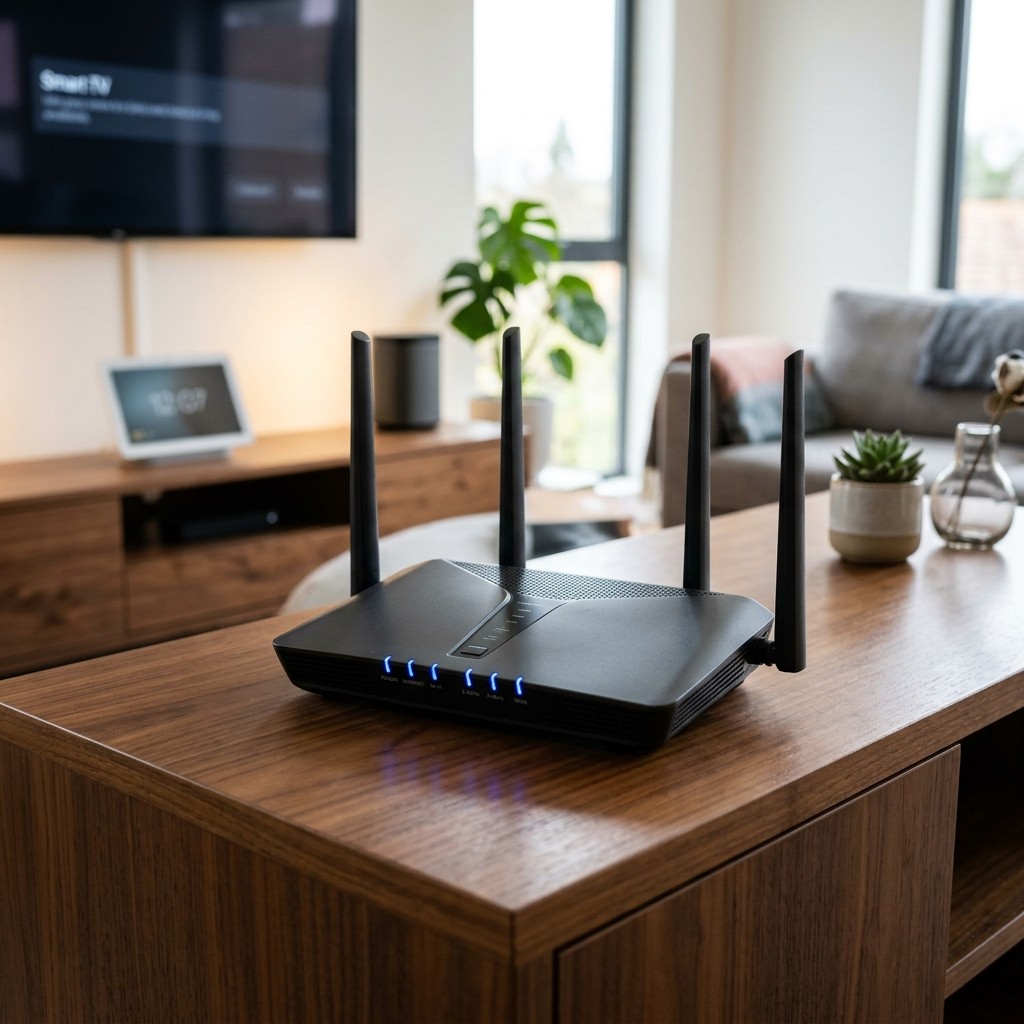
Good home network security keeps your router, Wi-Fi, and every connected device safe from outside access. In a smart home, strong protection comes from four layers: separate networks for devices, guests, and family; managed equipment; a wired backbone; and ongoing professional care. Together, these layers keep your network well protected and running smoothly.

Many Atlanta homes now run cameras, smart locks, thermostats, lighting, motorized shades, TVs, and a stack of phones and laptops on one internet connection. Each device can be an entry point for an outsider. A well-planned smart home network gives all this equipment clear structure, boundaries, and consistent oversight.

Why Smart Homes Need a Stronger Network

A basic household network was built for a few computers and phones. A smart home demands more from the network, and the stakes rise because many devices control physical things. Your front door, cameras, garage, and lights all depend on it.

Many smart devices are built for convenience. Some ship with weak default settings, get updates on an uneven schedule, or lose maker support over time. When these devices share space with your laptop and banking apps, a weak camera can open the door to everything else.

Reliability is part of home network security too. A steady connection keeps cameras recording, locks linked to your app, and automations running on time. That steady performance is a big part of what makes a secure smart home safe and dependable.

Continue reading

Lutron RadioRA 3 (RA3) Explained: Is Whole-Home Lighting Control Right for Your House?

lutron-ra3

Lutron RadioRA 3 is a whole-home lighting control system that a certified Lutron dealer designs, installs, and programs. With Lutron RA3, every dimmer, keypad, and motorized shade works as one system, so a single button can set a scene, run a schedule, or turn off the whole house. It suits homes with many lights and shades, plus owners who want a professional to plan and support their lighting.

Lutron RadioRA 3 sits in the middle of the Lutron lineup. Caseta serves the DIY tier, and Lutron HomeWorks serves estate homes at the top. Many homeowners searching for Lutron RadioRA 3 want to know one thing: whether whole-home lighting control fits their home size and how they live.

What RA3 Controls

Lutron RA3 puts light first, with a wide range of controls beyond simple on and off. Lutron dimmers and switches replace standard wall controls and give smooth dimming across LED fixtures. Every light can join scenes such as Dinner, Entertain, or Goodnight.

Engraved keypads replace rows of switches with clearly labeled scene buttons, so guests find the right light fast. Lutron motorized shades join the same scenes, lowering in the afternoon and rising in the morning. An astronomical time clock follows sunrise and sunset, and vacation mode keeps the home looking lived in while you travel.

Occupancy sensors cover closets and garages, and Pico remotes let you control everything from anywhere on a wall or table. Homeowners run everything from the Lutron app, at home or away, and Lutron RA3 connects with a wider smart home automation platform for audio, video, climate, and security. Our guide to lighting control systems covers the basics, and this section covers what RA3 adds to them.

Continue reading

Motorized Blackout Shades: Total Light Control for Bedrooms and Home Theaters

motorized-blackout-shade_20261029-043142_1

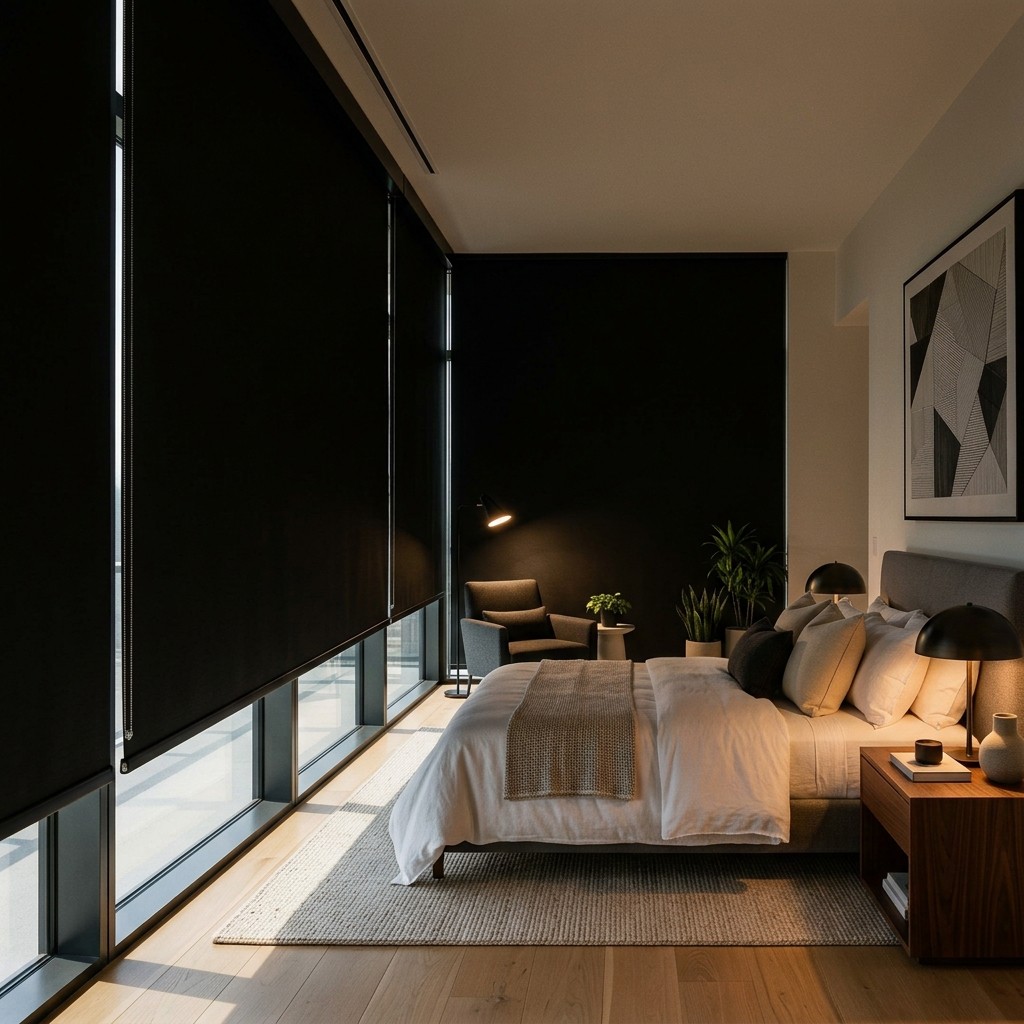
Motorized blackout shades are window shades with light-blocking fabric and a quiet motor, so you can go fully dark with a tap, a keypad press, or a timed schedule. They work best in bedrooms, nurseries, home theaters, and media rooms, where darkness supports better sleep and a sharper picture. Side tracks, pockets, and careful mounting seal the edges of each window, so the whole room stays dark.

Automated blackout shades lower before the early summer sunrise in Atlanta and close out streetlight glow at night. Remote-control blackout shades also keep windows cordless, which keeps homes safer for children and pets. As part of a full motorized shades system with Lutron shades tied into lighting and AV control, they become one more task the house handles on its own.

What Makes a Shade 'Blackout'

A blackout shade uses opaque fabric that blocks light from passing through. Most blackout fabrics are coated, layered or backed with a liner, so the cloth stays dark even at midday. Motorized blackout shades pair this fabric with a quiet motor for easy daily use.

Shade fabrics come in three broad groups. Light-filtering and sheer fabrics soften glare, room-darkening fabrics block most light, and blackout fabrics block light completely. Blackout fabric works best in bedrooms, nurseries, theaters and media rooms.

Blackout fabric comes in several shade styles, from slim roller shades to insulating cellular shades and Roman shades with a blackout liner. Dual shades mount a sheer layer and a blackout layer on one bracket for day-and-night use. Full darkness depends on the fabric along with the edges, so careful installation completes every set of motorized blackout shades.

Continue reading

Home Theater Seating Guide: Layout, Row Spacing, and Comfort for a Dedicated Room

home-theater-seating

Great home theater seating starts with the room itself. You set how many seats the space holds and how far each row sits from the screen, and then you plan about 6 to 7 feet between rows and lift any rear row on a riser of about 12 to 18 inches. Once those numbers are in place, you can choose recliners, sofas, or a mix, then plan speakers, wiring, and acoustic treatment around them before construction begins.

Many homeowners shop for chairs first and fit the room around them later. That order creates the most common problems in finished theaters, like blocked views from the back row, recliners that bump the wall, or surround speakers aimed at empty space. Treating theater seating for home use as a design decision gives you a room that looks, sounds, and feels right from every seat, and this guide follows a designer's order.

How Many Seats Can Your Room Support?

Seat count comes from three measurements: room width, room length, and the viewing distance your screen calls for. Your screen sets the front row position, and the back wall comes second. Good home theater seating plans start here because every other number builds on this one.

Start With Screen Size and Viewing Distance

A common starting point is to place the front row 1.2 to 1.6 times the screen's diagonal away, whether you're using a projector or a TV. Closer seating feels immersive and cinematic, and farther seating feels relaxed. For a 120-inch screen, that puts the front row about 12 to 16 feet from the screen surface, and every row behind it fits into the room length that remains.

Width Determines Seats Per Row

Most home theater recliners measure about 30 to 36 inches wide per seat, including shared arms. Add space for side aisles, usually 24 to 36 inches on at least one side. A 12-foot-wide room fits a row of 3 recliners with one side aisle, and a 14- to 16-foot-wide room holds 4 seats, the most common setup.

Continue reading

What Separates Certified Audio and Video Installers From Everyone Else Offering the Same Service in Atlanta

audio and video installers

Homeowners across Atlanta search for audio and video installers every day, hoping to find a company that turns confusing certification claims into confidence. Certifications like CEDIA, HTA, and Control4 authorization each verify specific aspects of a company's training and business practices. This guide breaks down what each credential means so homeowners can compare proposals with clarity.

What Certification Means For Audio and Video Installers

The word certified appears on almost every AV company website in Atlanta. On its own, it tells homeowners little about what the company was tested on or what standard they met. A credential names the certifying body, the requirements it verifies, and the training it represents.

Choosing among audio and video installers becomes simple once homeowners know what each certification confirms. CEDIA, HTA, and Control4 credentials each focus on a different part of the process, from technical skill to business accountability. Understanding these differences helps homeowners compare quotes with confidence.

CEDIA Certification and Individual Skill

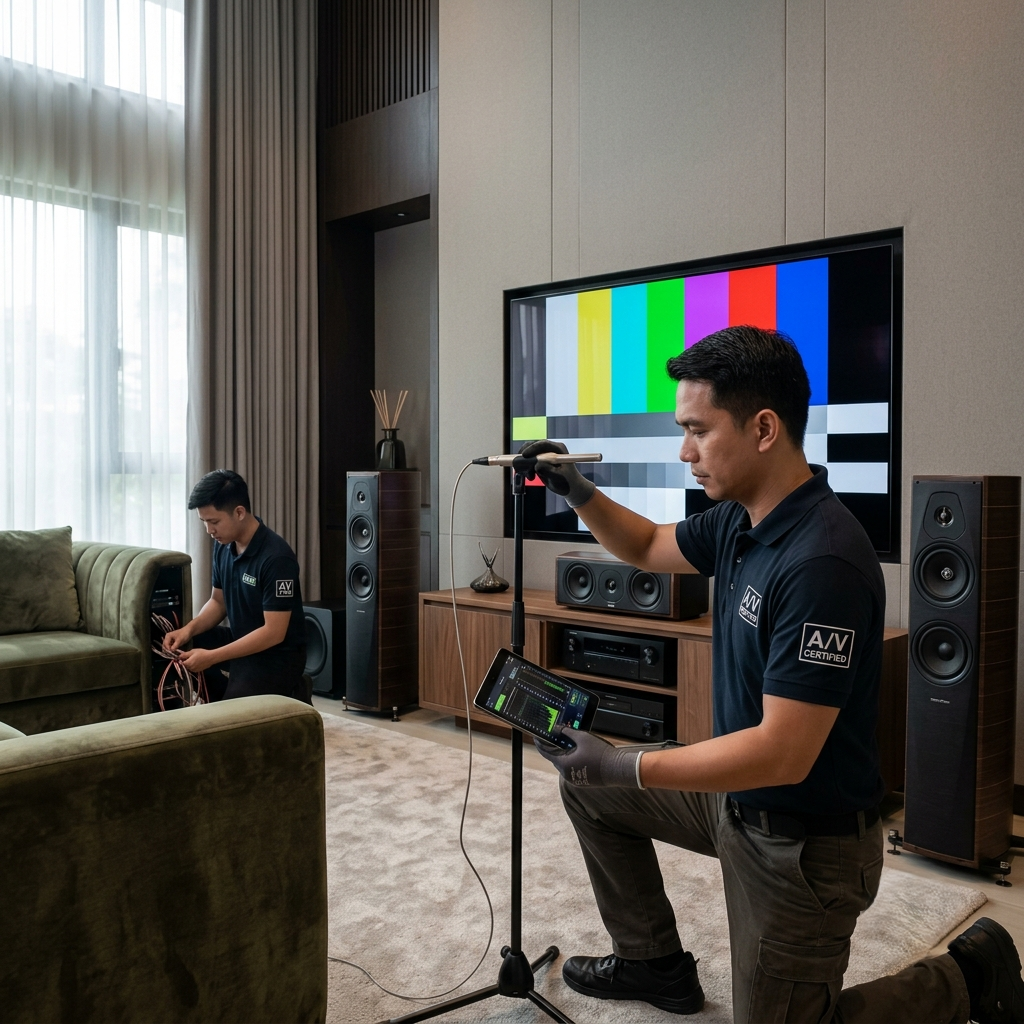
CEDIA certification confirms that a designer or technician passed a tested exam on system design, acoustic principles, and network architecture. The credential requires ongoing education, so it reflects current skills. This training helps a certified designer plan a home system as one connected structure from the start.

Homeowners who ask audio and video installers about their CEDIA credentials gain a clear picture of the technical training behind the proposal. A CEDIA-certified technician follows documented standards for cable management and installation safety. This creates a strong foundation for long-term system performance.

Continue reading

What Atlanta Homeowners Discover When They Stop Searching "Home Theater Design Near Me" and Actually Visit a Local Design Showroom

home theater design near me

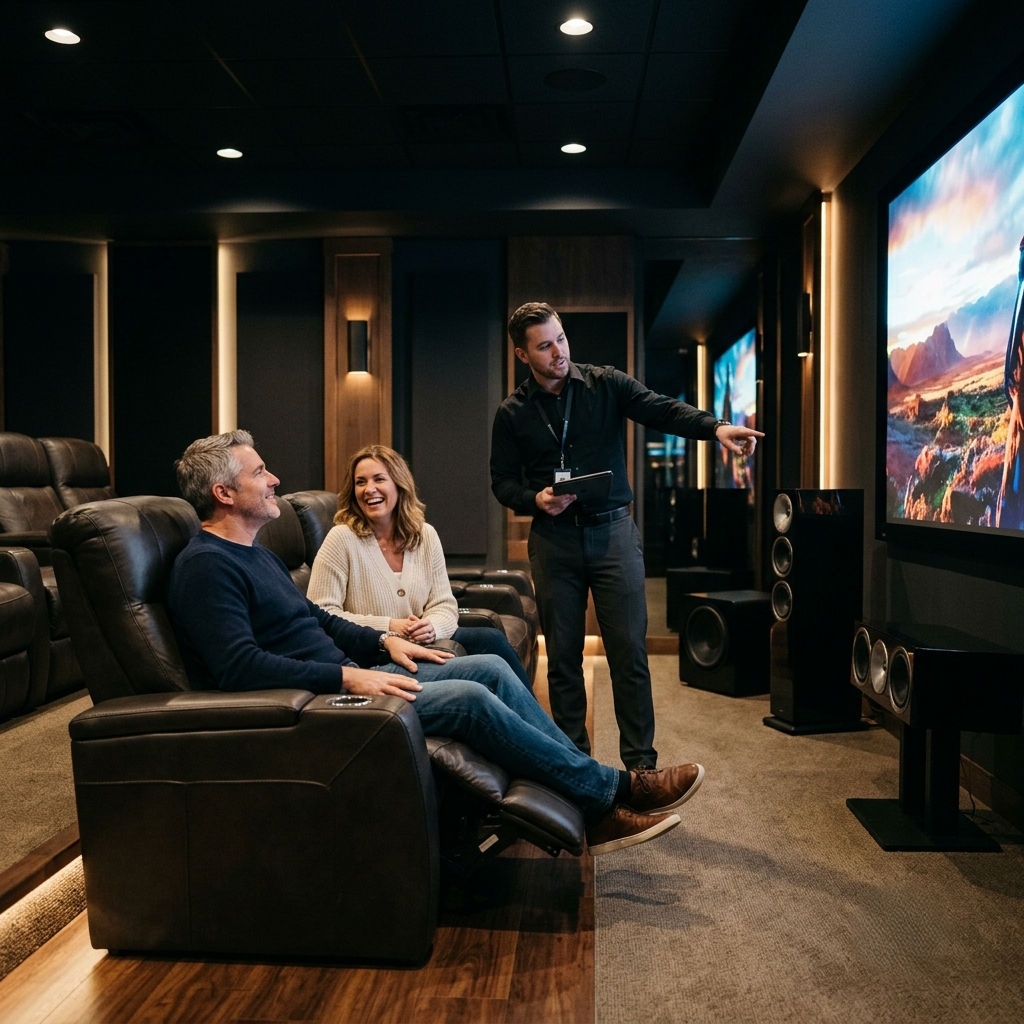
Homeowners searching home theater design near me often arrive with weeks of research already done. They understand acoustic treatment, projection systems, and seating layout. A showroom visit turns that research into an experience they can feel in the room.

Online research gives homeowners a strong foundation. Articles, videos, and photos explain the technology and show finished rooms. A showroom visit adds the missing piece, the feeling of standing inside a calibrated space and hearing what a system produces.

What A home theater design near me Visit Reveals

A visit built around home theater design near me turns curiosity into clarity. Homeowners hear calibrated audio, see true scale projection, and try simple controls in one afternoon. Every discovery below happens best in person.

Calibrated Sound You Can Hear

A showroom visit for home theater design near me demonstrates the gap between a system installed and one calibrated for its room. Speakers are placed and measured for the space. The frequency response is tuned so that dialog, music, and effects sit in distinct positions around the listener.

Notice how sound fills every seat in the room. Notice how the dialogue stays clear next to the music and effects. Notice the way bass adds depth without covering the rest of the mix.

Continue reading

When to Bring a Home Theater Design Company Into Your Atlanta Build or Renovation and Why the Timing Changes Everything

home theater design company

Every Atlanta homeowner planning a new build or a major renovation wants a home theater that performs well from day one. Bringing in a home theater design company early gives your project team clear guidance before walls, wiring, and mechanical systems are finished. This guide walks through the five moments when early planning makes the biggest difference for your build.

A home theater design company brings value early, while the architect is still drawing floor plans and elevations. Working together from the start means room sizes, ceiling heights, and structural details support the theater experience you want. Every specification arrives on paper first, so the crew builds it correctly the first time.

Room Dimensions and Ceiling Height Come First

Room size and ceiling height shape how a projector throws its image and how speakers sit in the ceiling. Planning these details with your design team early creates space for a large screen and clean sightlines from every seat. Structural elements such as beams and ductwork are positioned with the theater plan in mind.

This early input from a home theater design company turns a good room into a great one. Every measurement supports the viewing experience you picture for the space. The architect gets these numbers before the drawings are locked in.

Acoustic Isolation Belongs in the Framing Stage

Good acoustic isolation keeps the theater sound in the theater, so a movie night stays enjoyable for the rest of the house. This calls for decoupled wall assemblies, resilient channels, and acoustically rated doors placed correctly during framing. Handling this stage properly saves the cost and mess of opening finished walls later.

Continue reading

How an Outdoor Entertainment Company Transforms the Most Undervalued Space in an Atlanta Home Into Its Most Talked-About Feature

outdoor entertainment company

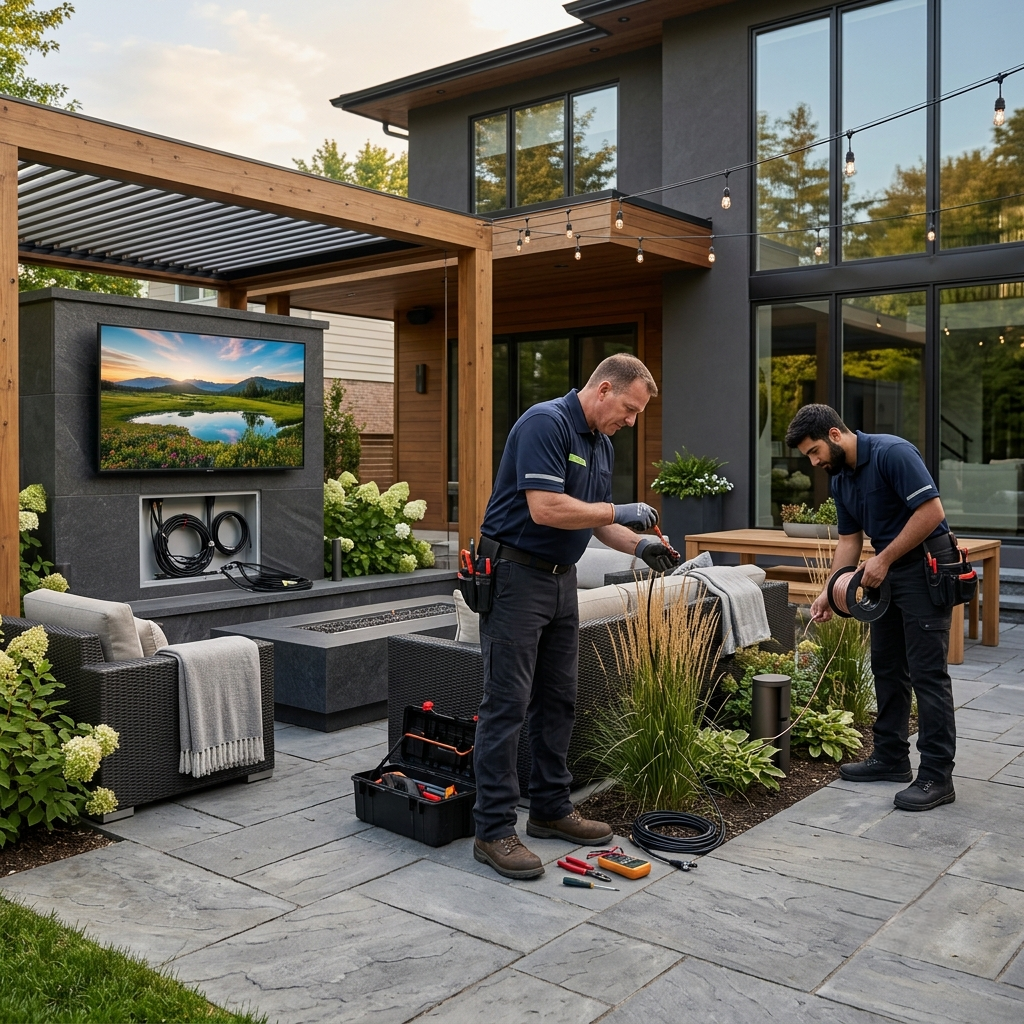
An outdoor entertainment company turns a quiet backyard into the busiest room in the house. Atlanta homeowners invest heavily in kitchens, bathrooms, and floors, and the backyard often waits for equal attention. The patio and yard stay pleasant and well-kept, yet the space rarely gets its own identity. We help homeowners give that outdoor space a voice, a picture, and a mood that matches the rest of the home. Every project starts with the way a family already spends time outside.

An outdoor entertainment company Starts With How You Live

An outdoor entertainment company starts every project by looking at how a family spends time outside. Some homeowners host often and want a space built for guests, with room for music, food, and conversation. Some want a quiet corner for morning coffee and evening quiet, away from the noise of the street. A few want both, split across different zones of the same yard. The starting point always comes from daily habits and honest conversations with the homeowner.

The plan grows from these habits and takes shape around the family that lives there. Every yard gets a design suited to the people who use it, from the layout of the speakers to the placement of the screen. A family with young kids gets one kind of plan, and a couple who hosts twice a year gets another. This keeps the final setup personal and useful for years, since it grows with how the home is used every day.

Sound That Fills The Whole Yard

Speakers built into gardens and patios evenly distribute sound across the yard. An outdoor entertainment company places these speakers to reach every corner, from the pool to the dinner table, so every seat gets the same experience. Guests enjoy steady, comfortable volume everywhere, and conversation continues easily beside the music. The sound follows people as they move through the space, from the grill to the fire pit. Everyone can hear the music clearly at a natural, comfortable level from anywhere in the yard.

The speakers stay hidden within the plantings and hardscape, tucked among the greenery and stonework. Homeowners notice the sound quality before they notice the equipment, since the goal is a natural feel with the setup staying out of sight. The yard feels finished, and the audio feels like part of the design itself. This kind of placement takes planning, and it pays off every time guests walk through the space.

Continue reading

Why Atlanta Homeowners Who Invest in an Outdoor Entertainment System Stop Going Out and Start Having Everyone Over

outdoor entertainment system

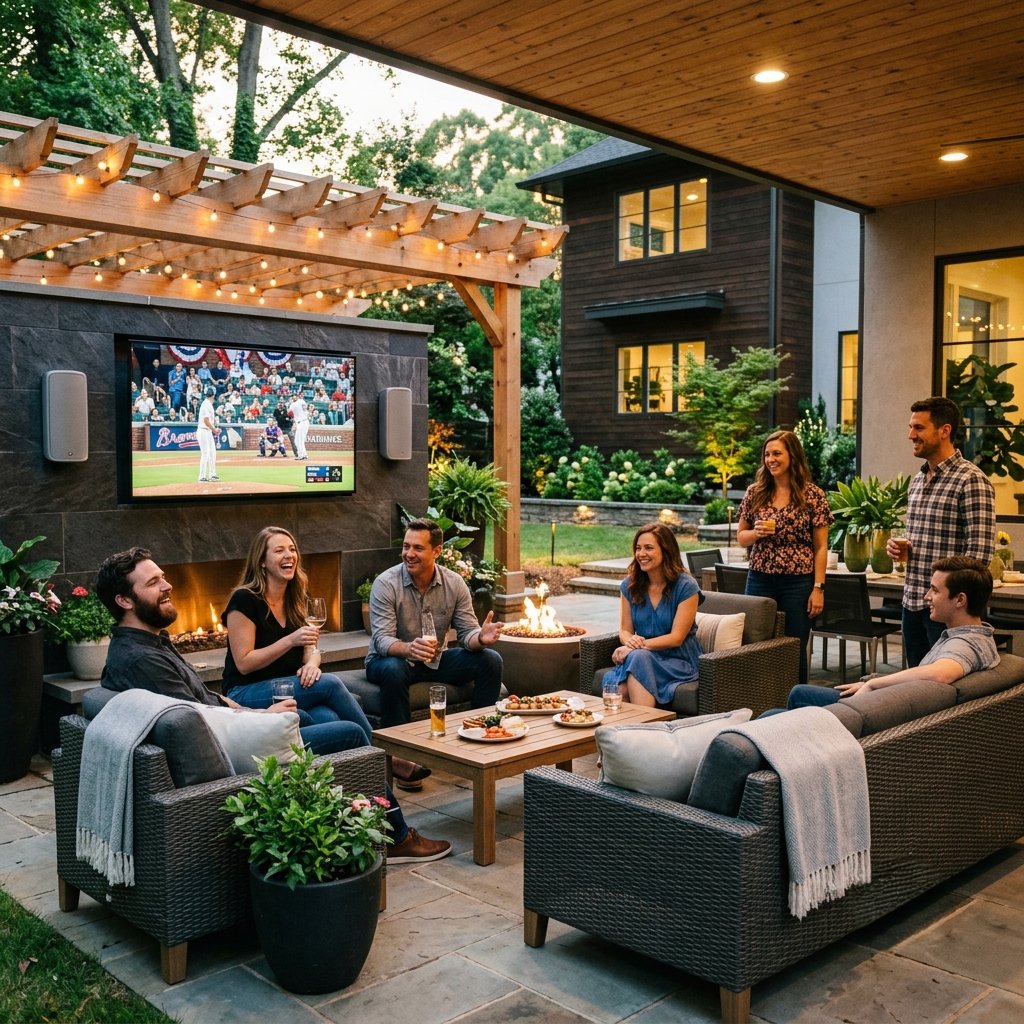
An outdoor entertainment system turns a plain backyard into the place friends and family choose over a night out. Atlanta homeowners who add one to their patio or pool area often find that their home becomes the spot where everyone gathers. The right setup makes hosting simple and turns any evening into an occasion worth showing up for.

The homes people gather at most are the ones that are ready before the moment starts. This guide shows how a well-planned outdoor space builds that reputation over time. It also shows how simple upgrades keep guests coming back all year.

The Outdoor Entertainment System That Changes The Math

An outdoor entertainment system changes how a gathering gets priced over time. Dining out with friends in Buckhead or grabbing drinks downtown can add up fast over a full season, as a backyard built for entertaining can spread those costs across many evenings at home.

A backyard with an outdoor entertainment system feels like an experience, not a plain patio. High fidelity audio, a bright outdoor display, and lighting that sets the mood create lasting value for every gathering. Guests notice the difference right away and want to come back.

Hosting Feels Simple With The Right Setup

Managing lighting, sound, and cleanup can take up most of a host's evening. A well-designed outdoor entertainment system handles these tasks through one-touch automation. Audio adjusts on its own, lighting shifts with the evening, and the display turns on in one simple scene.

Continue reading

The Best Time to Upgrade Home Network Systems Is Before You Finish the Renovation: Here's Why Atlanta Homeowners Learn This the Hard Way

home network systems

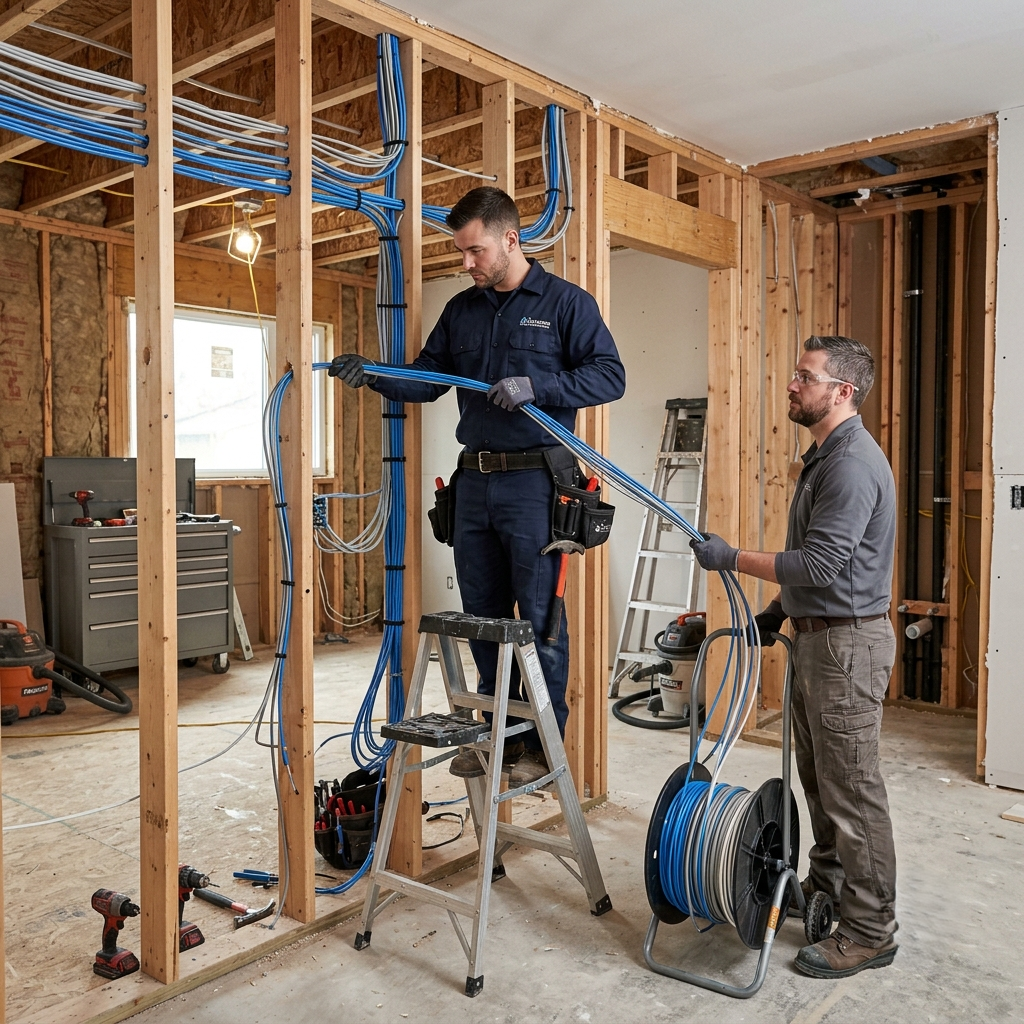
Renovation projects move fast, and network planning waits until the walls close. Homeowners finish additions, theaters, and outdoor rooms only to find a weak signal where it matters most. Planning home network systems early keeps every renovation phase moving forward together.

Atlanta homeowners face this pattern often during additions and full home builds. Each phase of construction opens a window for clean wiring and closes it soon after. This guide walks through every phase and shows the best moment to act.

Why Home Network Systems Need Renovation Timing

A renovation includes hundreds of decisions about finishes, fixtures, and permits. Home network systems stay invisible when installed well, so teams often place them low on the list. Every part of a reliable connected home depends on choices made during construction.

Wiring, access point placement, and equipment room location all connect to the construction schedule. Waiting until the finish stage narrows the choices available to homeowners. Acting early keeps every option open and every cost predictable.

The Planning Window Before Framing Begins

Design and permitting offer the widest window for clean planning. A wiring plan added to architectural drawings during this stage costs very little. Access point placement, cable routes, and equipment room location are reduced to simple lines on a page.

Continue reading

The 6 Questions Every Atlanta Homeowner Should Ask a Home Network Company Before Signing Anything

home network company

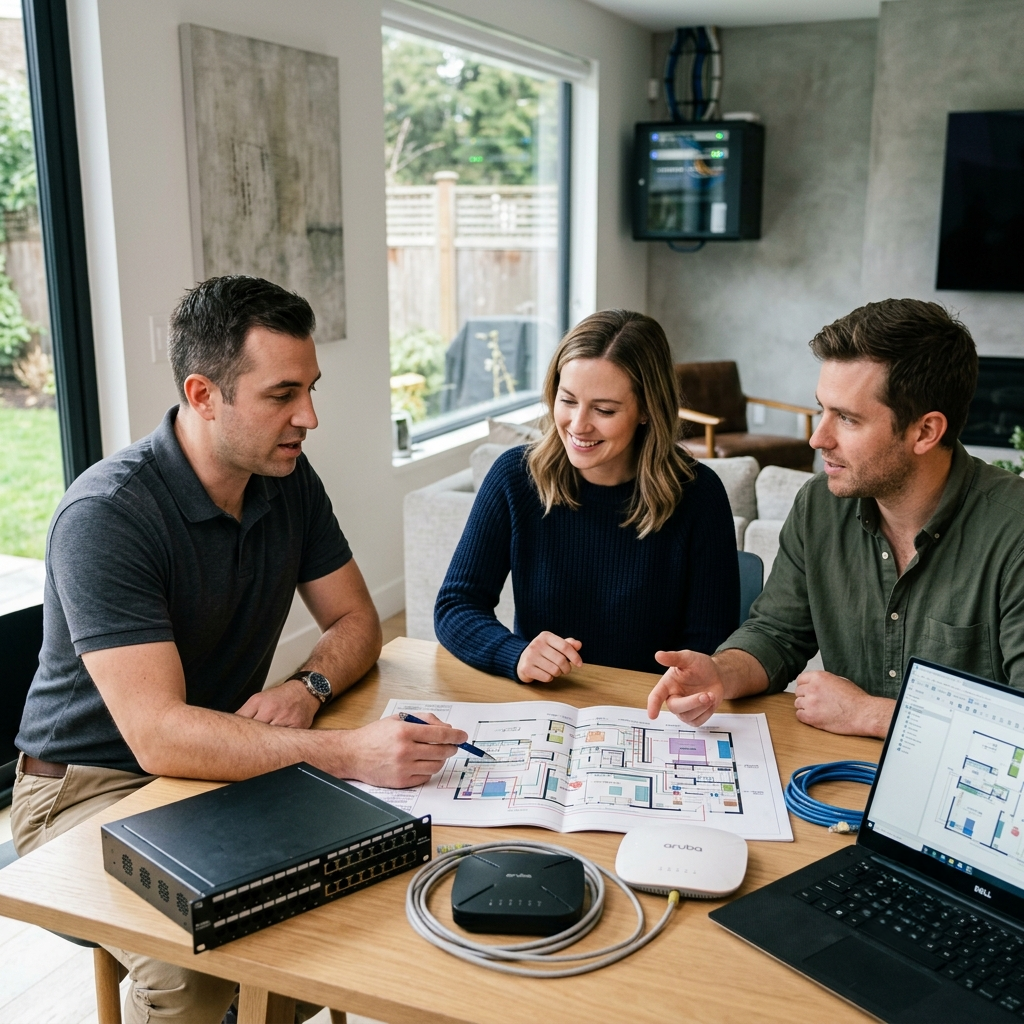
Hiring a home network company can feel confusing when every quote sounds the same. Homeowners across Atlanta want a network that keeps up with smart devices, security cameras, and daily streaming. This guide gives you six clear questions to ask so you can compare companies with confidence.

Many companies use similar words in their proposals, such as full coverage and professional-grade equipment. These words help you compare offers when you know what to ask next. The questions below show you how to see the actual capability behind each proposal.

Understanding What A Home Network Company Should Offer

A strong home network company designs your network around your home. The team studies your walls, your floor plan, and the number of devices you plan to connect. This approach gives every homeowner a network built for daily life.

The right partner listens to your goals, from smart lighting to whole home audio. They test signal strength in every room, including outdoor spaces you use often. This process forms the foundation for the six questions that follow.

Question One: The Value Of A Site Survey

A site survey helps a home network company understand your home's structure before design begins. The team studies wall materials, room layout, and possible interference sources. Atlanta homes built with brick or concrete often require extra planning to achieve a strong signal.

Continue reading

Why the Type of Home Automation Company You Choose Matters More Than the Technology You Choose

AAA_20260713-160549_1

Choosing a home automation company shapes how your smart home performs for years to come. Homeowners often spend weeks comparing platforms, devices, and control systems. The company behind the installation determines the outcome far more than the installation itself.

Every installer fits into one of four groups. Some design complete systems from the ground up. Others place hardware and consider the job finished.

Understanding the Home Automation Company Options

Homeowners meet four kinds of providers when planning a project. Dedicated integrators design and install complete systems as their main craft. Retailers sell devices and add installation as an extra service.

Electricians and contractors add smart features to their regular projects. Assist services connect homeowners with independent technicians for single devices. A true home automation company treats whole home design as the primary craft, so the outcome reflects that focus.

Dedicated Integrators

These companies build systems from an architectural perspective first. Every device serves a plan drawn before installation begins. Homeowners gain systems built to work together for years.

Continue reading

Categories