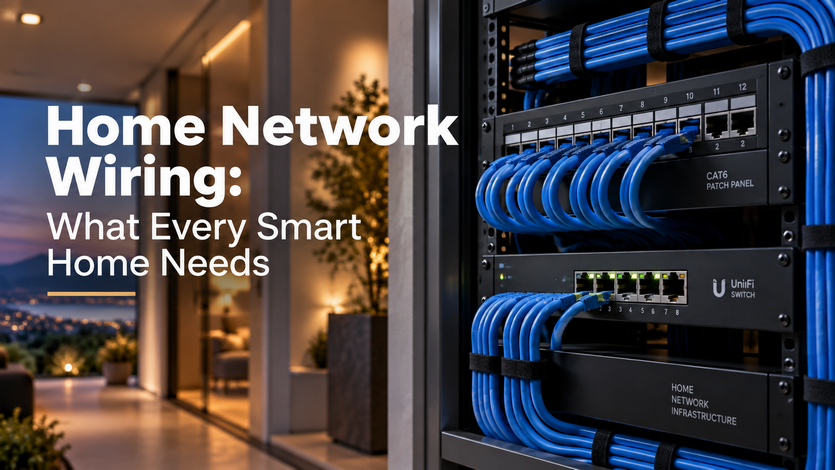
Home network wiring — running Ethernet cable to fixed points throughout the house, rather than relying on WiFi alone — gives smart home devices a stable, dedicated connection that doesn't compete with every phone, laptop, and streaming device in the house for the same wireless bandwidth. WiFi is convenient for mobile devices, but stationary equipment like access points, streaming boxes, security cameras, and automation controllers perform far more reliably when wired directly.
Why WiFi Alone Falls Short in a Smart Home
WiFi signal weakens with distance, walls, and interference from other devices, and a house full of smart devices — cameras, thermostats, speakers, lighting controllers — adds significant load to a single wireless network. Even a strong router will struggle to maintain consistent performance if it's the sole connection point for dozens of devices, especially ones like security cameras that stream continuous video. Wired connections eliminate this bottleneck for the devices that need it most.
Structured Wiring: The Backbone Behind a Connected Home
Structured wiring refers to a planned network of Ethernet cable running from a central distribution point (usually a network rack or panel) out to key locations — WiFi access points on each floor, home theater equipment, security system hardware, and any hardwired smart home controllers. Rather than one router trying to cover an entire house wirelessly, multiple access points wired back to the same network provide consistent coverage in every room, including basements and outdoor-adjacent spaces that WiFi alone often struggles to reach.
New Construction: The Cheapest Time to Wire a House
Running network cable during framing, before drywall goes up, costs a fraction of what it costs to add wiring afterward, since walls are already open and accessible. This is the point where most integrators recommend running more cable than seems necessary — adding a few extra runs to rooms that might need a wired device later is inexpensive during construction and expensive to add after the fact.
Retrofitting an Existing Home
Adding structured wiring to a finished home is more involved but still practical in most cases, using techniques like fishing cable through existing wall cavities, running wire through attics and basements, or using conduit for a cleaner, more accessible retrofit. Homes with accessible attics and basements are generally easier and less invasive to wire than homes without that access, since cable can be routed through those spaces rather than opening finished walls.