Call us to schedule a consultation! 770-977-9110 

Smart Home Ideas by Room: Practical Upgrades Worth Planning For

smart-home-ideas

The best smart home ideas match how you use each room every day. Picture one button at the front door, layered kitchen lights, shades that follow the sun, gentle morning lighting in the bedroom, and music on the patio. These smart home upgrades work best when you plan them room by room and install them as one connected system.

Most homeowners gather home automation ideas from friends, showrooms, and social media. Next, choose which smart home features belong in each room and which ones need wiring before the walls close. This guide walks through each space so you can collect smart home automation ideas now and plan the project with confidence later.

Entry and Living Spaces

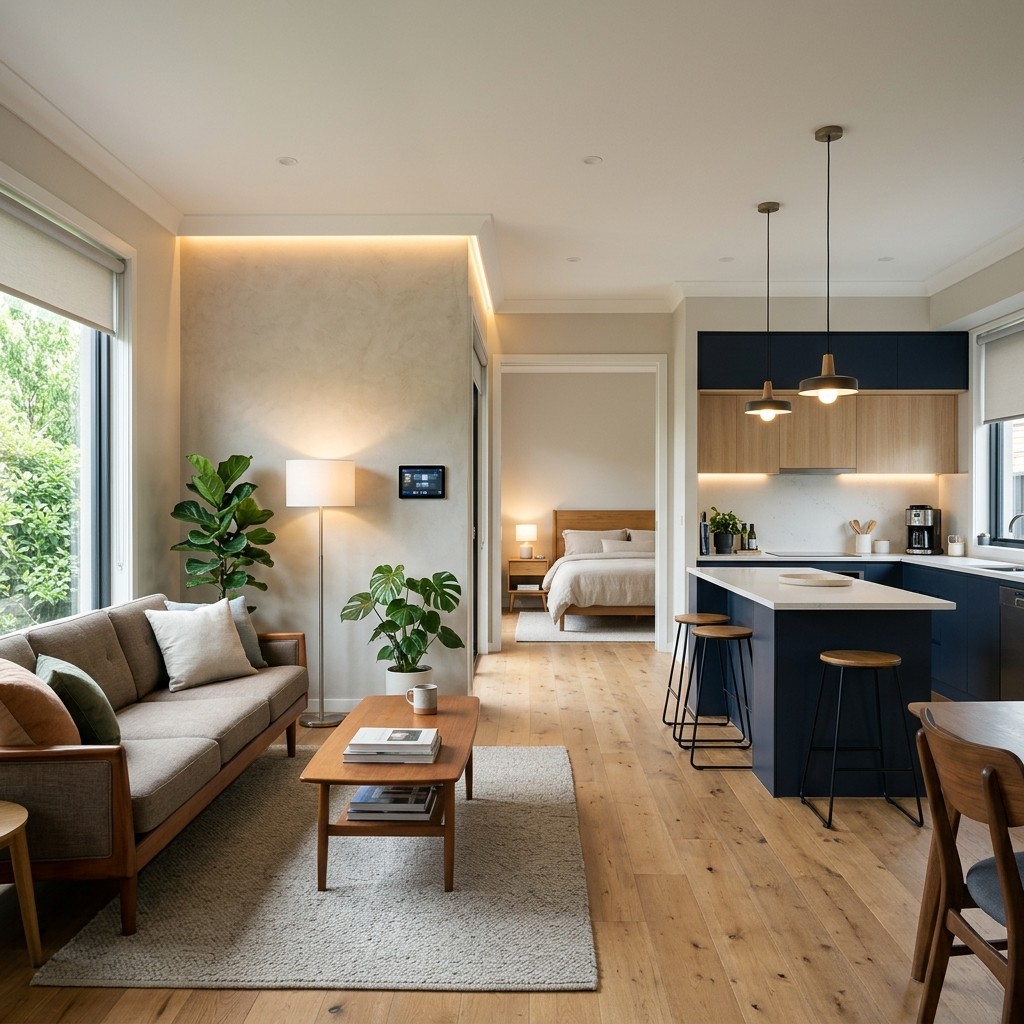
Your entry and living areas see the most foot traffic, so good planning pays off in daily convenience. A welcome scene turns on the foyer and hallway lights as soon as you arrive. One goodbye button by the door turns everything off, locks the doors, and sets the alarm as you leave.

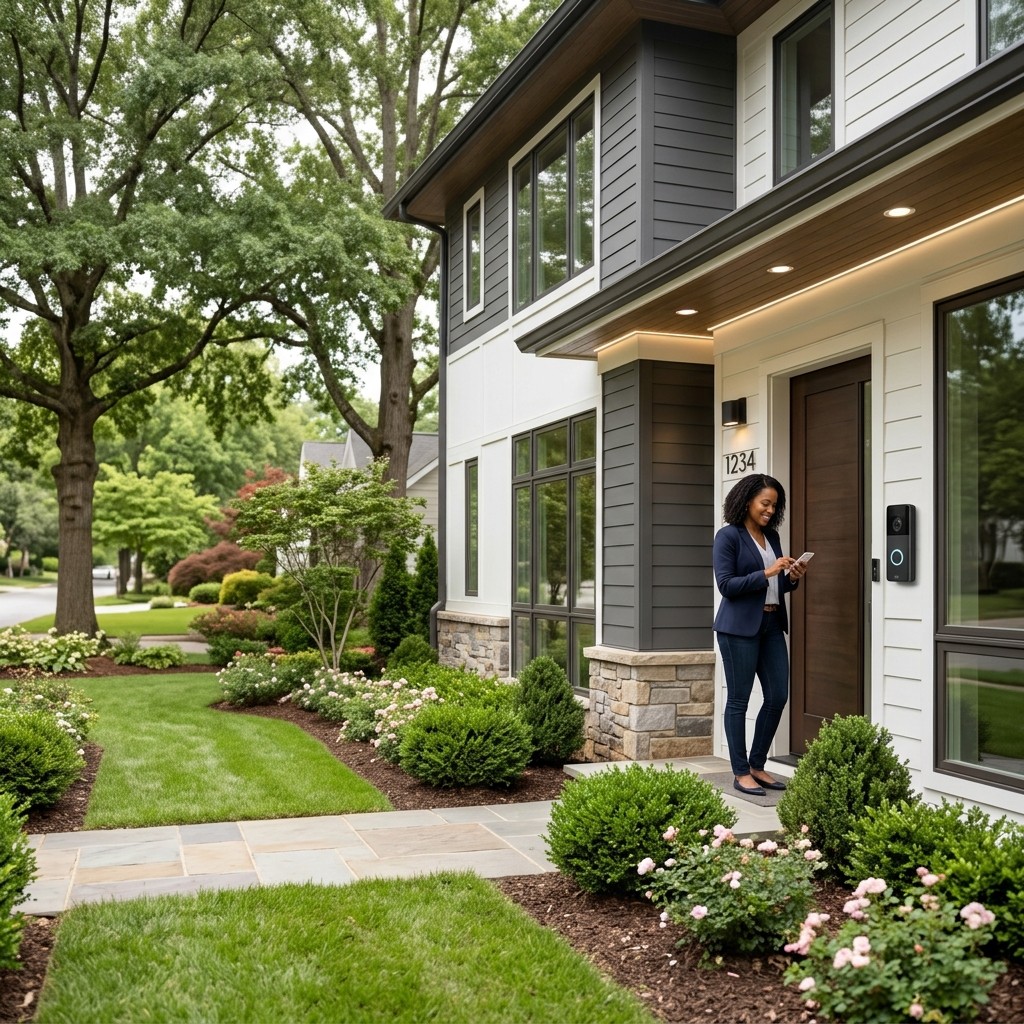
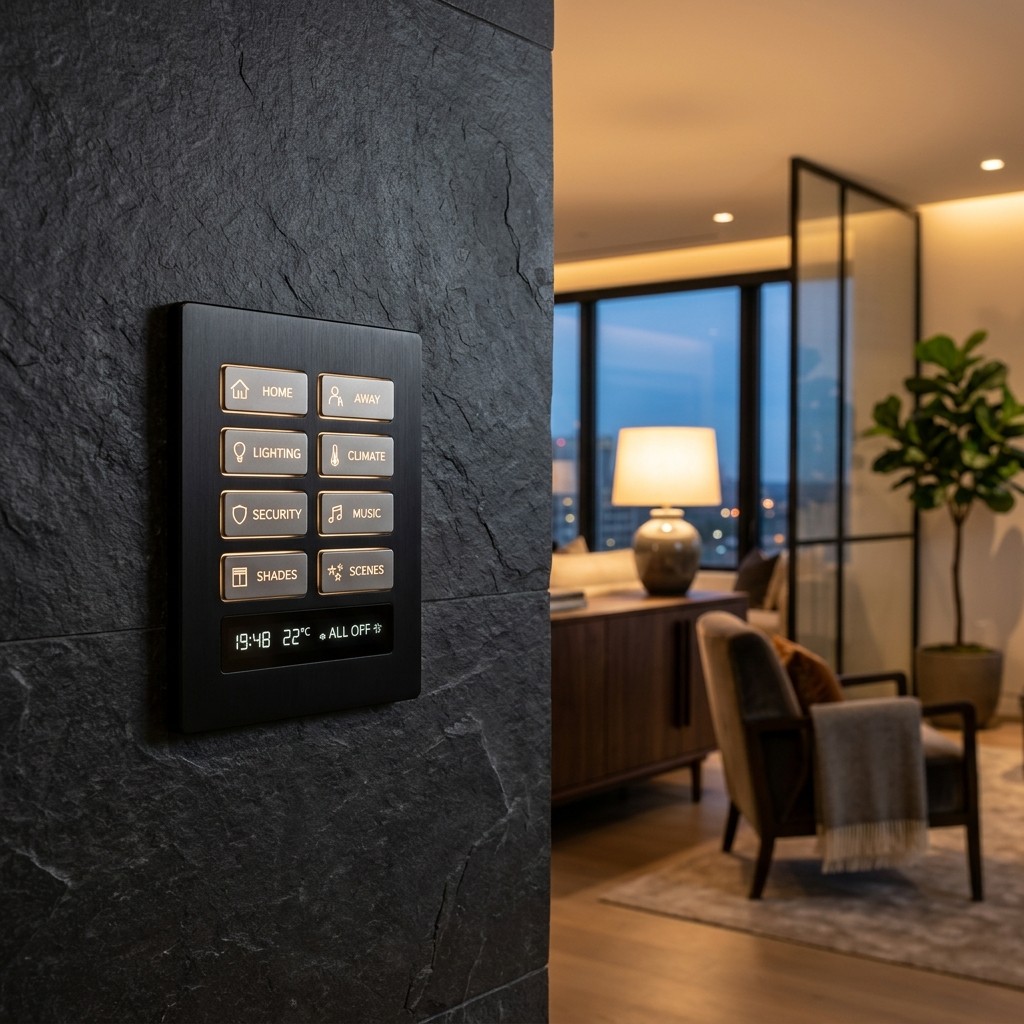
A video doorbell shows visitors on your phone or a touchscreen, and smart locks let a dog walker or contractor in with a temporary code. Engraved keypads labeled Entry, Evening and All Off replace a crowded row of switches. These small touches are some of the first smart home ideas guests notice when they walk in.

In the living room, scenes such as Entertain, Relax and Movie set every light to the right level at once. Motorized shades lower when afternoon glare hits the TV, and ceiling speakers keep music playing in the background. A single remote runs the TV, streaming, sound, and lights, all tied together through home automation that works the same way in every room.
Continue reading

Home Theater Seating Guide: Layout, Row Spacing, and Comfort for a Dedicated Room

home-theater-seating

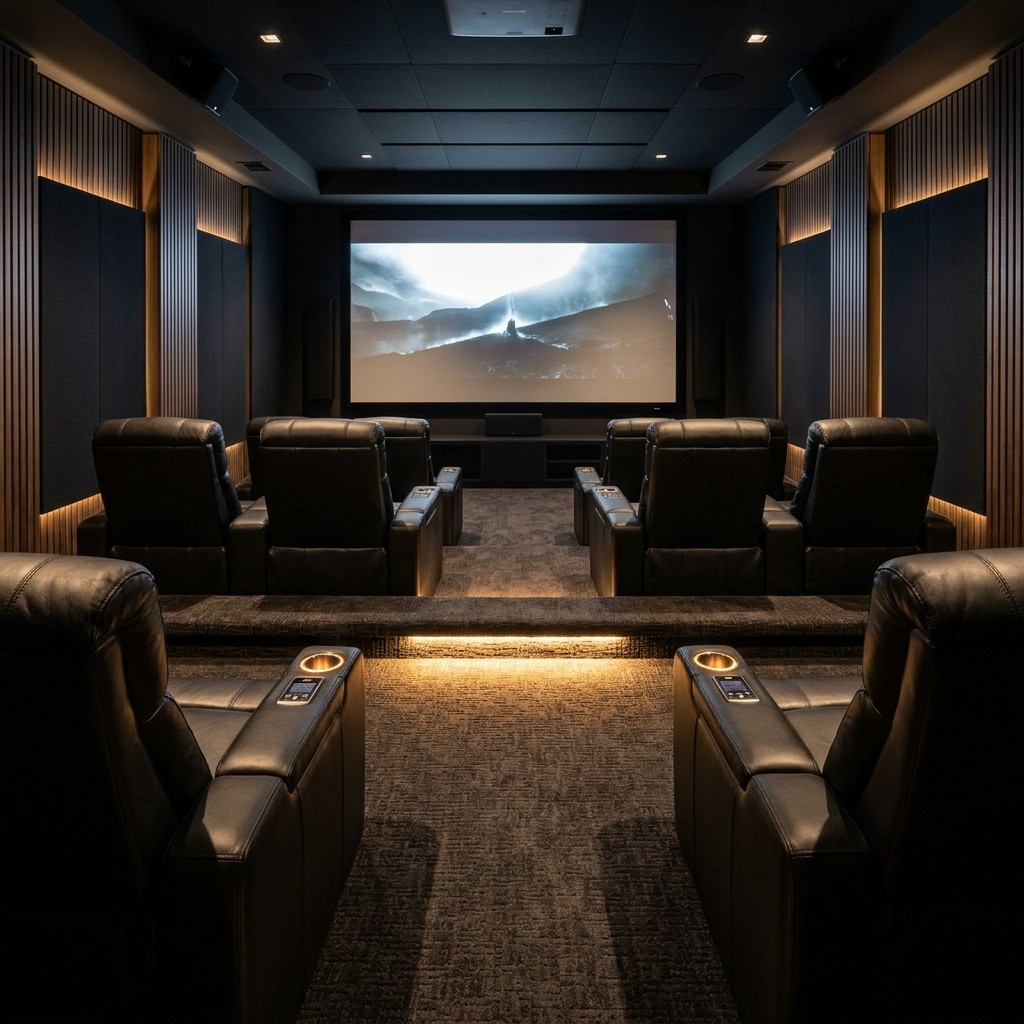
Great home theater seating starts with the room itself. You set how many seats the space holds and how far each row sits from the screen, and then you plan about 6 to 7 feet between rows and lift any rear row on a riser of about 12 to 18 inches. Once those numbers are in place, you can choose recliners, sofas, or a mix, then plan speakers, wiring, and acoustic treatment around them before construction begins.

Many homeowners shop for chairs first and fit the room around them later. That order creates the most common problems in finished theaters, like blocked views from the back row, recliners that bump the wall, or surround speakers aimed at empty space. Treating theater seating for home use as a design decision gives you a room that looks, sounds, and feels right from every seat, and this guide follows a designer's order.

How Many Seats Can Your Room Support?

Seat count comes from three measurements: room width, room length, and the viewing distance your screen calls for. Your screen sets the front row position, and the back wall comes second. Good home theater seating plans start here because every other number builds on this one.

Start With Screen Size and Viewing Distance

A common starting point is to place the front row 1.2 to 1.6 times the screen's diagonal away, whether you're using a projector or a TV. Closer seating feels immersive and cinematic, and farther seating feels relaxed. For a 120-inch screen, that puts the front row about 12 to 16 feet from the screen surface, and every row behind it fits into the room length that remains.

Width Determines Seats Per Row

Most home theater recliners measure about 30 to 36 inches wide per seat, including shared arms. Add space for side aisles, usually 24 to 36 inches on at least one side. A 12-foot-wide room fits a row of 3 recliners with one side aisle, and a 14- to 16-foot-wide room holds 4 seats, the most common setup.

Continue reading

Home Theater Lighting: How to Light a Theater Room Without Washing Out the Picture

home-theater-lighting

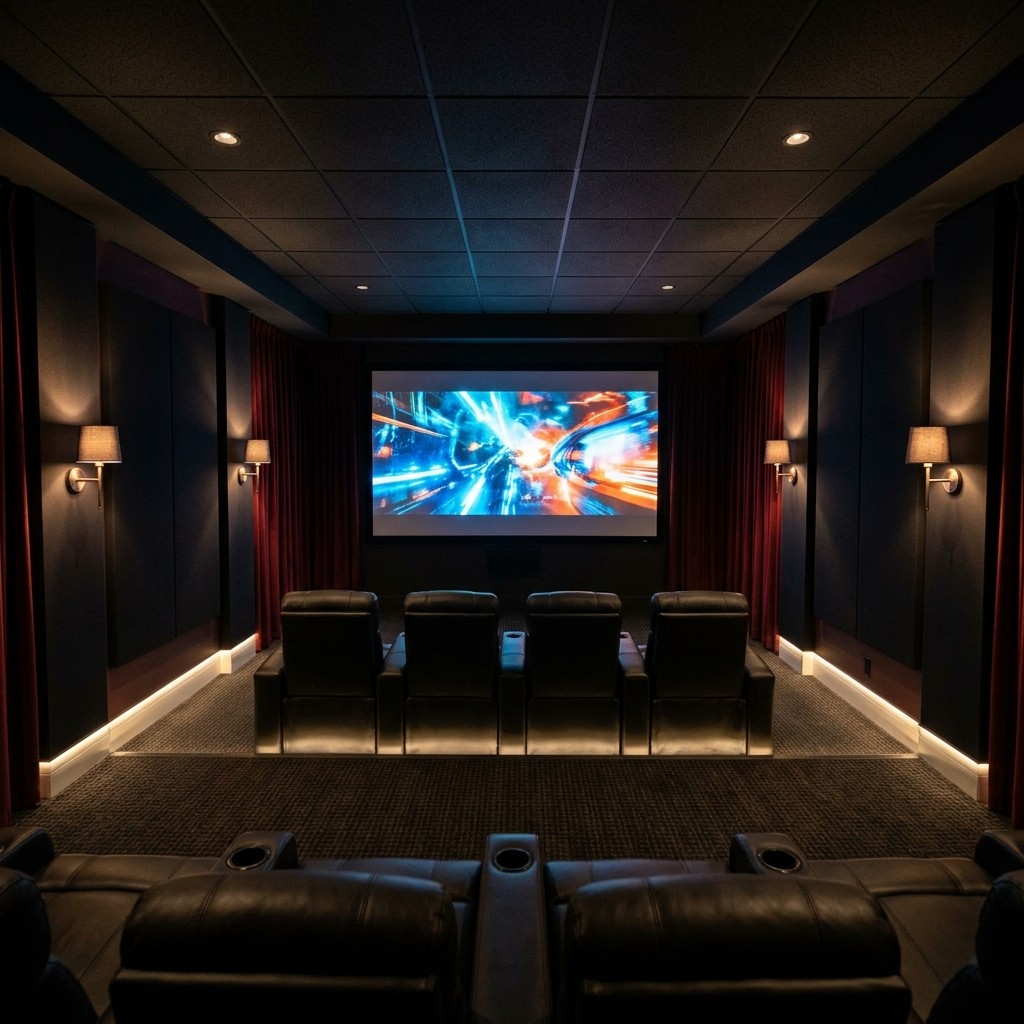
Great home theater lighting uses three dimmable layers: soft ambient light, low accent light, and gentle step lights. Each fixture aims away from the screen, and every layer ties into scenes that dim the room the moment the movie starts. Recessed or cove fixtures, bias lighting behind a TV, and one simple keypad or remote bring the whole plan together.

The goal is a room that feels bright and welcoming for guests, then dark and cozy once the film begins. Deep blacks and rich colors come from a screen that stays free of stray light. Below, we share the ideas we use when designing theater rooms across North Atlanta.

Lighting Layers for a Theater Room

A theater room works best with three layers of light: ambient, accent, and path, each on its own dimmable circuit. Separate circuits let one layer fade down as another stays on. This simple setup gives a home cinema its true theater feel.

Ambient light fills the room for entering, cleaning, and conversation. Recessed downlights with deep, regressed trims hide the bulb, and cove lighting bounces a soft glow off the ceiling. Fixtures set flush with the ceiling keep sightlines clear and the screen free of reflections.

Accent lights such as sconces, framed poster lights, and fiber optic star ceilings add character at a low, warm level. Step lights in each riser and low aisle lights guide guests to their seats once the room goes dark. These home theater lighting ideas carry over well to media room lighting, where a family room switches between everyday living and movie night.

Continue reading

Outdoor Movie Screen: Permanent vs. Portable Setups for a Backyard Theater

outdoor-movie-screen

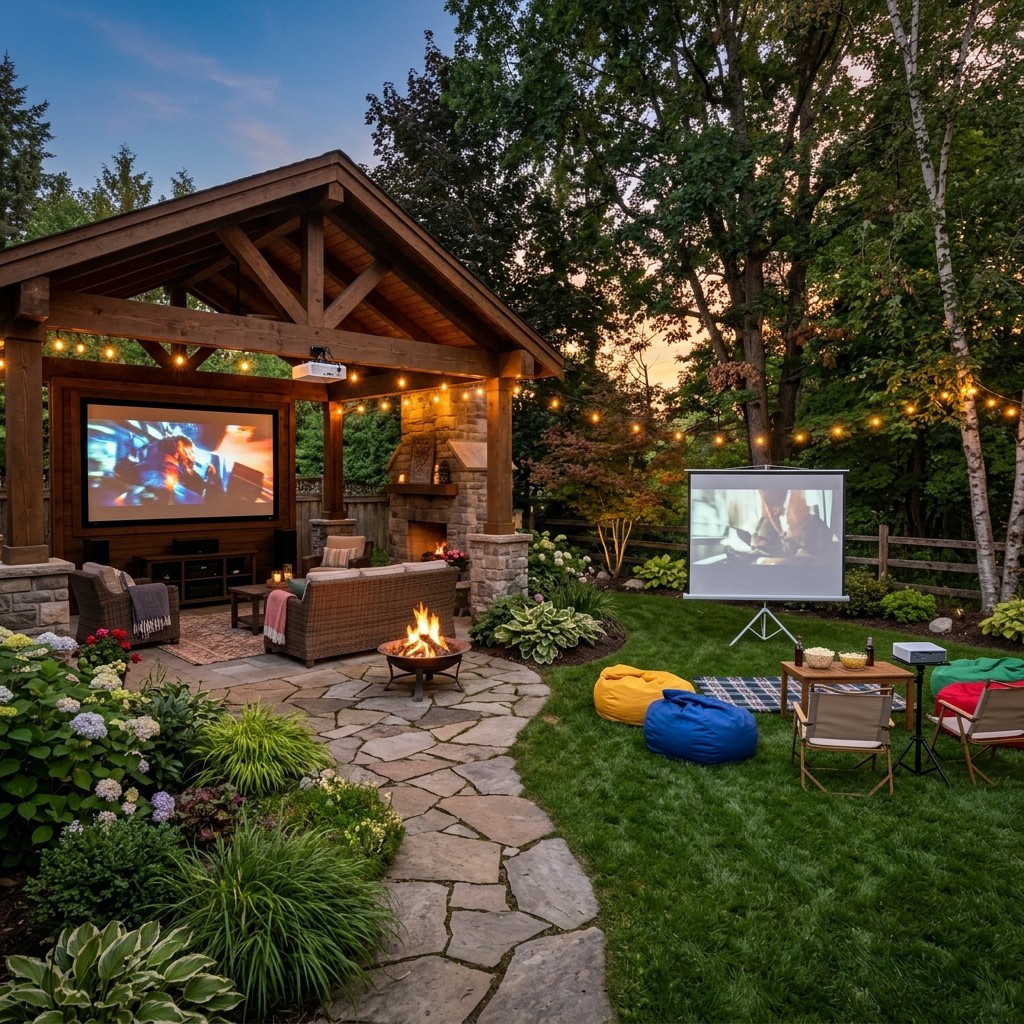
The right outdoor movie screen depends on how often your family plans to use it. A portable or inflatable screen works for occasional outdoor movie nights. A permanent setup suits a backyard movie theater you can use any evening, with a fixed frame or motorized screen, a mounted outdoor movie projector or outdoor TV, and weatherproof speakers.

Most homeowners start with a portable screen and soon feel the setup time. Each night begins with inflating the screen, balancing a projector on a folding table, and pairing a small Bluetooth speaker to fill the yard. A permanent outdoor entertainment system turns all of that into one button press, and the sections below walk through screens, projectors, light, sound, and weather.

Portable vs. Permanent Screens

Portable screens come in two common styles: inflatable screens held up by a blower fan, and tripod or frame screens assembled for each use. Both are affordable and easy to store, whether you rent or own your home. Each setup includes a blower that runs through the film and fabric that moves in a breeze, so portable screens look their best on calm, fully dark evenings.

A permanent outdoor movie screen mounts to a wall, pergola, pavilion, or freestanding frame. A fixed tension screen stays flat and taut, and a motorized retractable screen lowers with one button press and rolls into a protective housing after the credits. Both use outdoor-grade material and stay aligned with a mounted projector, so the picture is sharp and ready every time.

When homeowners ask about the best outdoor projector screen, material and mounting matter most. Look for a screen built for outdoor exposure with a tensioned surface that stays flat. Match the screen gain to your projector and viewing area for a sharp outdoor movie screen all season.

Continue reading

What is a Smart Home? A Plain-English Guide for Atlanta Homeowners

what-is-a-smart-home

A smart home is a house where lighting, climate, shades, entertainment, and security connect and are controlled from one place. You run it from a phone, a touchscreen, a keypad, or your voice. If you have ever wondered what is a smart home, that is the simple answer.

These systems also run on schedules, sensors, and scenes. The house follows your daily routine and handles small tasks for you. This guide explains what a smart home controls, how the parts connect, and how Atlanta homeowners can get started.

The Short Answer

A smart home is a connected home you control from one interface that can automate everyday tasks. This definition fits a house with three connected devices, and it also fits a fully integrated home. Anyone researching what is a smart home can start with this simple idea.

Many people also ask what home automation is and how it fits in. In the home automation vs. smart home discussion, smart home describes connected devices and remote control, while home automation describes the house acting on its own. For example, shades lower when afternoon sun hits the west windows, and every light turns off when you press "Goodnight."

A thoughtfully planned home does both. That is why professional smart home automation treats control and automation as one design goal. Part of understanding what is a smart home is seeing these two ideas work as one.

Continue reading

Smart Home Hub vs. Whole-Home Control System: What's the Difference?

smart-home-hub

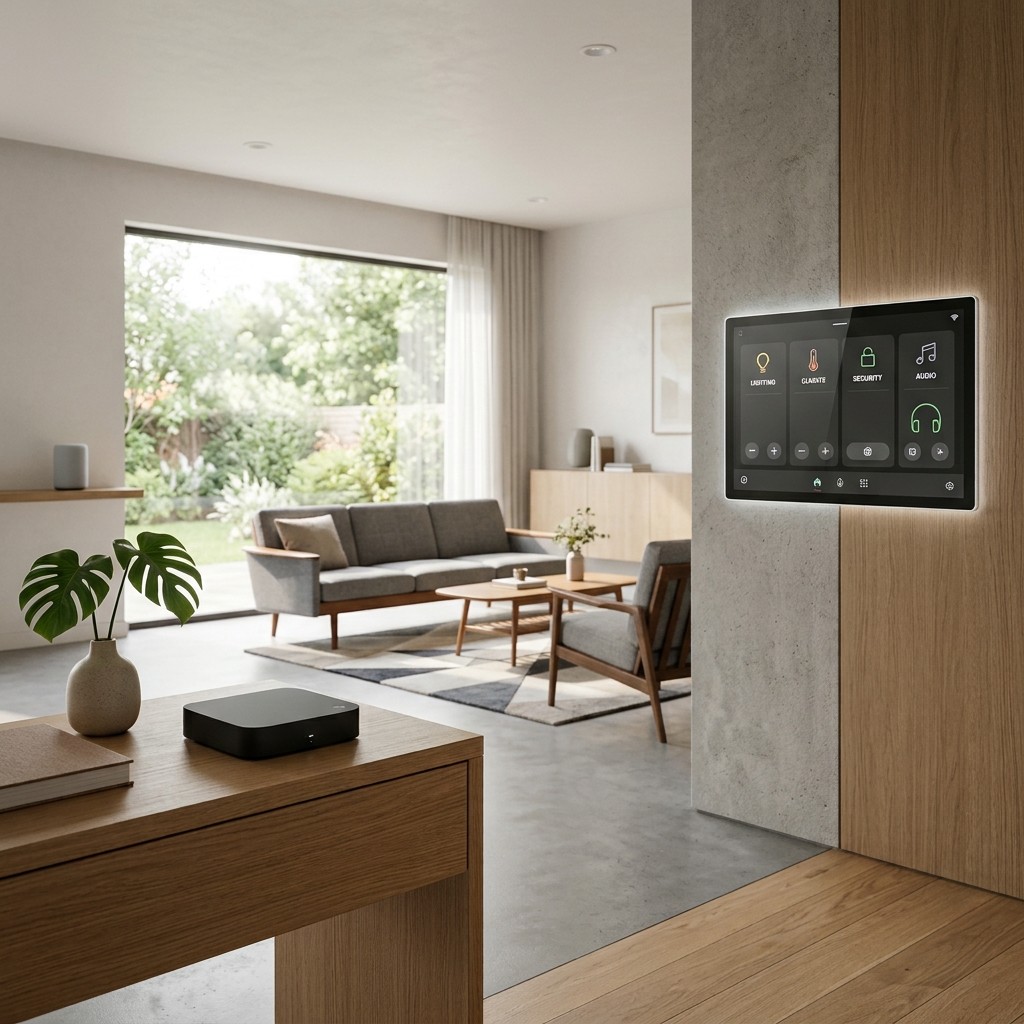
A smart home hub is a single device that links a few smart products, such as plugs, bulbs, locks, and sensors, so you can control them from one app. A whole-home control system, such as Control4, is a professionally designed and programmed platform that brings lighting, shades, audio, video, climate, and security together in one dependable interface. Smaller homes with a few devices work well with a hub, while larger homes where everything works as one are better served by a control system.

Many guides compare one hub against another. For most homeowners, the better first question is which category fits the house. The answer depends on your home's size, how many systems you want connected, and how much setup work you enjoy.

What a Smart Home Hub Does

If you have ever asked what a smart home hub is, think of it as a translator for your devices. Smart products speak different wireless languages, such as Wi-Fi, Zigbee, Z-Wave, Thread, and Matter. A home automation hub sits in the middle, so you can control them all from one app or voice assistant.

Once your devices are paired, the hub turns lights and plugs on or off from your phone or on a schedule. It runs simple routines, like turning on lights at sunset or locking doors at 10 p.m., and sends alerts from door, motion, and leak sensors. A connected voice assistant adds easy spoken commands.

A smart home hub costs little, is easy to buy, and is built for DIY setup. For a condo, a starter home, or a few rooms of smart bulbs, it often covers everything you need. Its strengths are low cost and quick setup, and it's best for smaller homes.

Continue reading

Home Stereo System Guide: Two-Channel Hi-Fi vs. Whole-Home Music

home-stereo-system

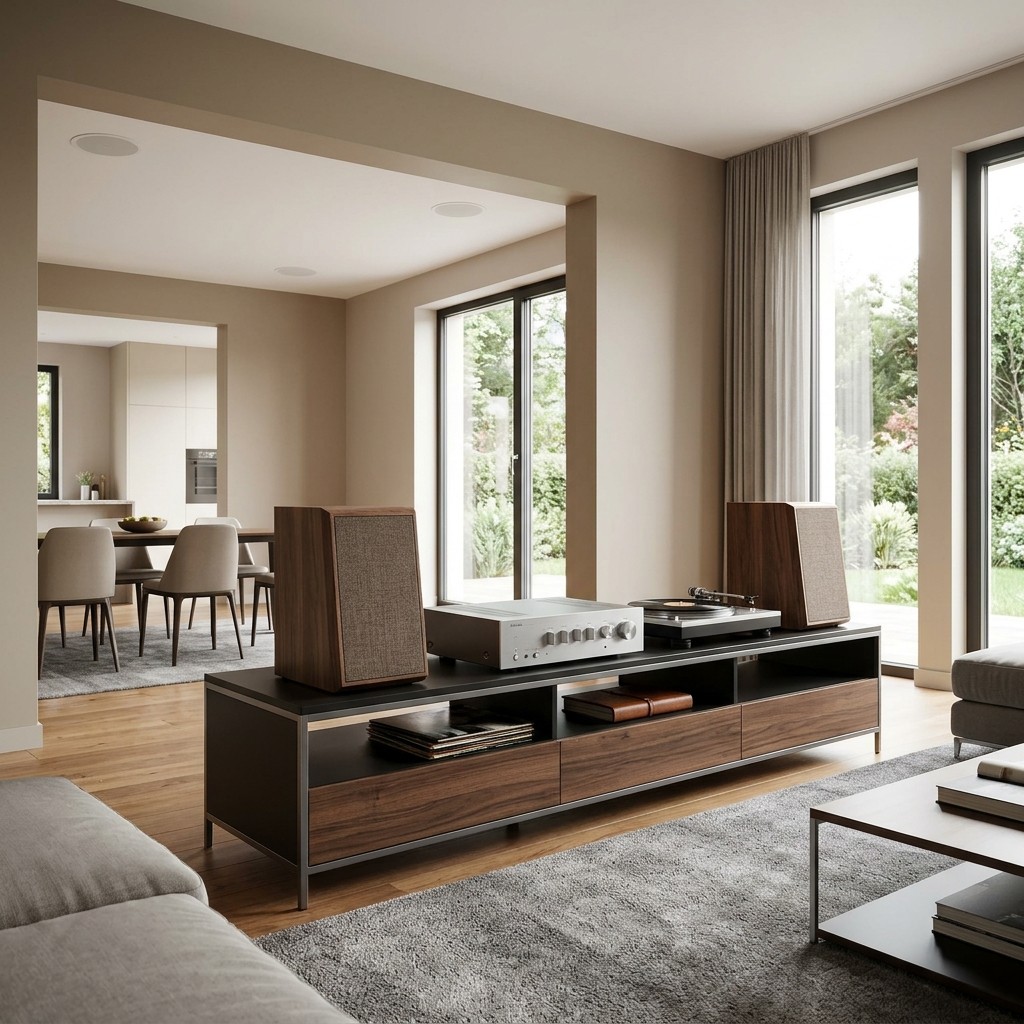
Today, a home stereo system comes in two main forms: two-channel hi-fi and whole-home music. Two-channel hi-fi uses a pair of speakers, an amplifier, and a source in one room, built for focused listening. Whole-home music places speakers in multiple rooms and streams them from one system you control with your phone or keypad.

Pick two-channel hi-fi when sound quality in one room matters most to you. Pick whole-home music when you want songs playing in every part of the house. Many homeowners enjoy both, and this guide explains what each setup needs in room, wiring, and equipment.

Two-Channel Hi-Fi: What It Is

Two-channel audio is the classic stereo format, with a left speaker and a right speaker. The pair plays a recording the way the artist mixed it. A good setup creates a stereo image, where vocals sit between the speakers and instruments spread across a wide stage.

What a Two Channel Home Stereo System Includes

A two-channel home stereo system has four main parts. Speakers come first, and floorstanding towers or bookshelf models on stands both work well. Monitor Audio builds speakers made for this kind of focused listening.

Next comes amplification, either through an integrated amplifier or a separate preamplifier and power amplifier. The source can be a network streamer, a turntable, a CD transport, or a mix of these. A digital-to-analog converter (DAC) turns digital files into the signal your amplifier uses, and most streamers and amplifiers include one.

Continue reading

TV Lift Cabinets and Motorized TV Lifts: How a Hidden TV Actually Works

tv-lift

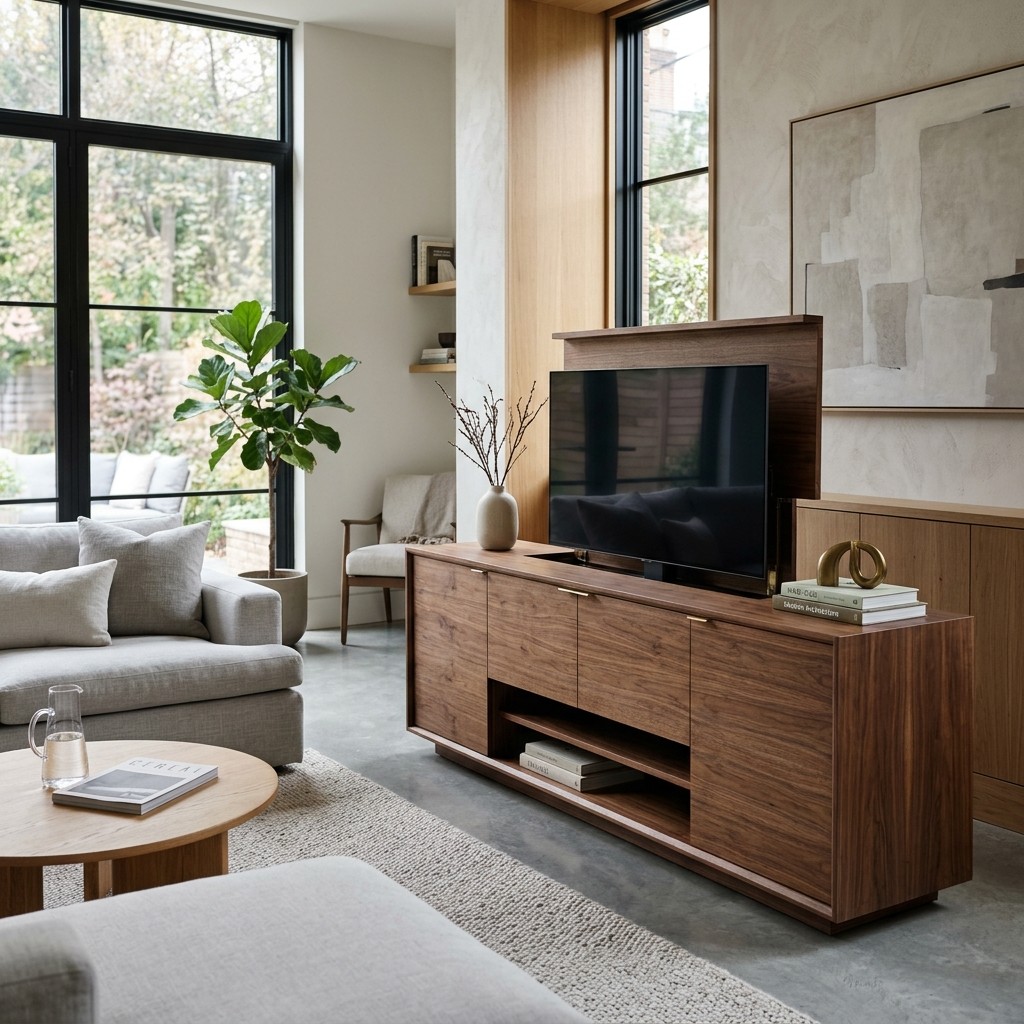
A TV lift is a motorized mechanism that raises your television out of a cabinet, a piece of furniture, or the ceiling when you want to watch. One button press lowers it back out of sight when the show ends. The room then stays designed around the furniture, the view, or the fireplace.

For homeowners who want a TV hidden in furniture, a professionally installed motorized lift is the cleanest way to get there. The lift, cabinet, power, and control system are all planned together. Done well, it ranks among the most elegant hidden TV ideas and pairs well with the rest of the hidden technology in a smartly integrated home.

How a TV Lift Works

Every motorized TV lift shares the same core parts: an electric motor, a lifting column, a TV mounting bracket, and a control module. The motor drives the column up or down along a fixed track. That steady, straight path keeps the TV smooth and stable as it moves.

There are three common styles to choose from. A pop-up TV lift raises the screen from a cabinet, credenza or footboard, and it is the favorite for living rooms and bedrooms. A drop-down lift lowers the TV from a ceiling cavity, and a flip-down or swivel lift lets one screen face several seating areas.

Most lifts include soft start and soft stop, so the TV rises and settles gently. Many also offer a programmable stop height and sensors that pause travel when something sits in the path. Weight capacity and screen size limits vary by model, so you choose the TV first and the lift second.

Continue reading

Motorized Projector Screens: Retractable, ALR, and Acoustically Transparent Options Compared

motorized-projector-screen

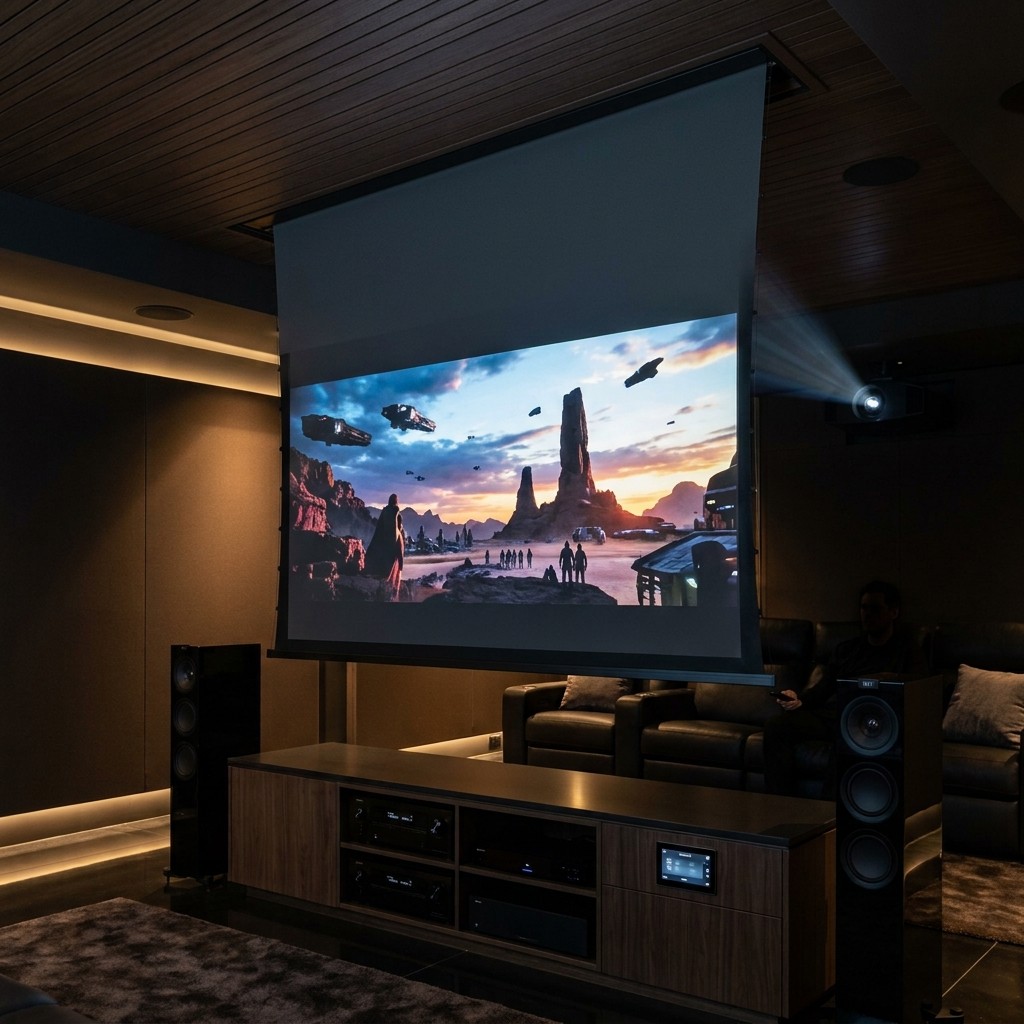
The best motorized projector screen for your home depends on three things: your room's light, your speaker plan, and how much you want the screen to tuck away. A white retractable projector screen works well in a dark, dedicated theater, and an ALR projector screen suits rooms with windows or light walls. An acoustically transparent screen lets the front speakers sit behind the picture, and a ceiling recessed screen hides everything from view.

Many homeowners combine these features, such as a ceiling-recessed screen with an ALR surface. The right surface brings out your projector's full color and contrast. This guide compares each option so you can match the screen to your room.

Motorized, Retractable or Fixed

A motorized projector screen lowers and rises at the touch of a remote, a wall keypad, or an automation scene. A retractable projector screen covers both manual pull-down models and motorized models that roll up into a housing. These screens suit living rooms, bonus rooms, and media rooms where a TV or artwork stays on display during the day.

Ceiling recessed screens take the clean look further, since the housing sits above the drywall and leaves a slim slot in the ceiling. This setup is easiest to plan during new construction or a renovation, with framing plus access for power and control wiring. If you are still weighing a display, our projector vs. TV guide covers when each one fits best.

Choosing a Motorized Projector Screen or a Fixed Frame

Fixed frame screens stay stretched tight on a rigid frame and remain on the wall full time, which makes them common in dedicated theaters. Constant tension keeps the surface perfectly flat, a plus for very large images and some ALR and acoustically transparent materials. Many modern motorized projector screens use tab tensioning systems that keep the surface flat, so both styles now perform at a high level.

Continue reading

Home Network Security: How to Protect Your Smart Home, Cameras, and Family Devices

home-network-security

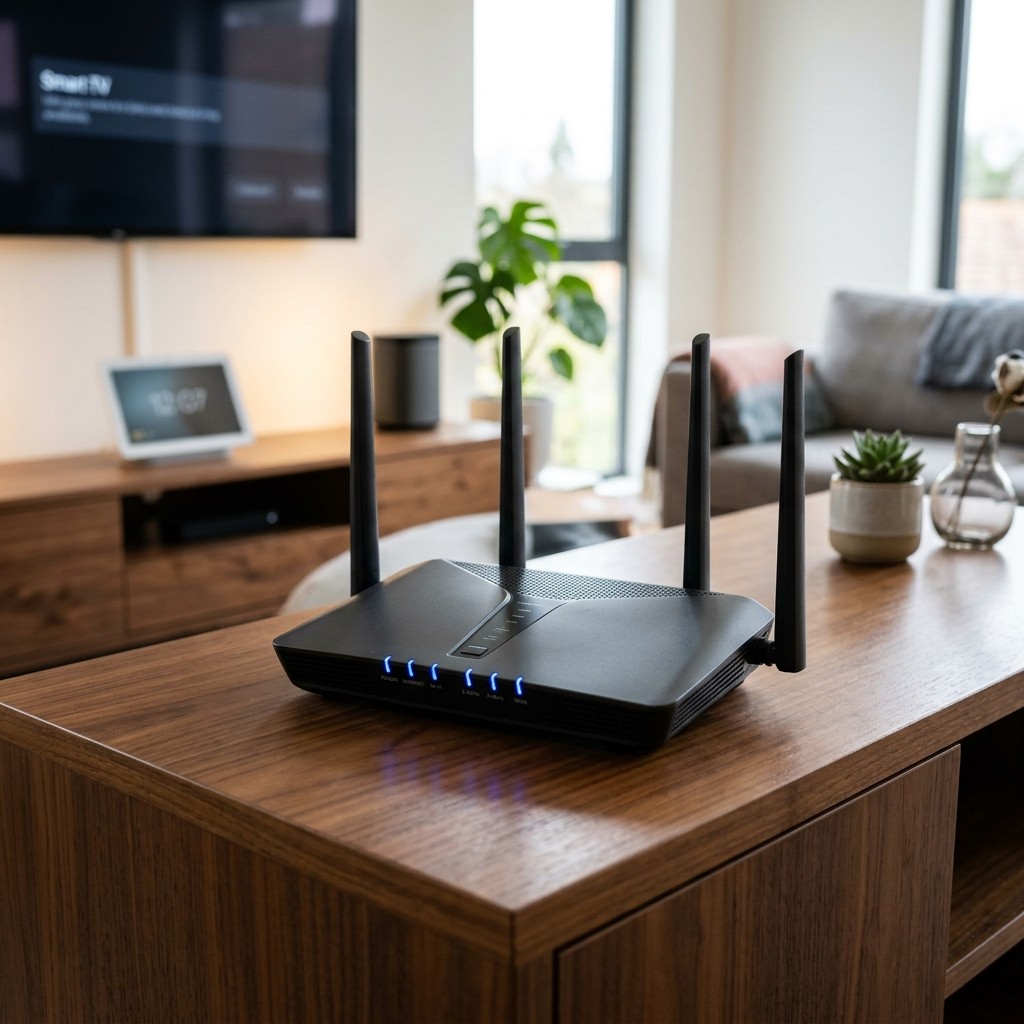
Good home network security keeps your router, Wi-Fi, and every connected device safe from outside access. In a smart home, strong protection comes from four layers: separate networks for devices, guests, and family; managed equipment; a wired backbone; and ongoing professional care. Together, these layers keep your network well protected and running smoothly.

Many Atlanta homes now run cameras, smart locks, thermostats, lighting, motorized shades, TVs, and a stack of phones and laptops on one internet connection. Each device can be an entry point for an outsider. A well-planned smart home network gives all this equipment clear structure, boundaries, and consistent oversight.

Why Smart Homes Need a Stronger Network

A basic household network was built for a few computers and phones. A smart home demands more from the network, and the stakes rise because many devices control physical things. Your front door, cameras, garage, and lights all depend on it.

Many smart devices are built for convenience. Some ship with weak default settings, get updates on an uneven schedule, or lose maker support over time. When these devices share space with your laptop and banking apps, a weak camera can open the door to everything else.

Reliability is part of home network security too. A steady connection keeps cameras recording, locks linked to your app, and automations running on time. That steady performance is a big part of what makes a secure smart home safe and dependable.

Continue reading

Lutron RadioRA 3 (RA3) Explained: Is Whole-Home Lighting Control Right for Your House?

lutron-ra3

Lutron RadioRA 3 is a whole-home lighting control system that a certified Lutron dealer designs, installs, and programs. With Lutron RA3, every dimmer, keypad, and motorized shade works as one system, so a single button can set a scene, run a schedule, or turn off the whole house. It suits homes with many lights and shades, plus owners who want a professional to plan and support their lighting.

Lutron RadioRA 3 sits in the middle of the Lutron lineup. Caseta serves the DIY tier, and Lutron HomeWorks serves estate homes at the top. Many homeowners searching for Lutron RadioRA 3 want to know one thing: whether whole-home lighting control fits their home size and how they live.

What RA3 Controls

Lutron RA3 puts light first, with a wide range of controls beyond simple on and off. Lutron dimmers and switches replace standard wall controls and give smooth dimming across LED fixtures. Every light can join scenes such as Dinner, Entertain, or Goodnight.

Engraved keypads replace rows of switches with clearly labeled scene buttons, so guests find the right light fast. Lutron motorized shades join the same scenes, lowering in the afternoon and rising in the morning. An astronomical time clock follows sunrise and sunset, and vacation mode keeps the home looking lived in while you travel.

Occupancy sensors cover closets and garages, and Pico remotes let you control everything from anywhere on a wall or table. Homeowners run everything from the Lutron app, at home or away, and Lutron RA3 connects with a wider smart home automation platform for audio, video, climate, and security. Our guide to lighting control systems covers the basics, and this section covers what RA3 adds to them.

Continue reading

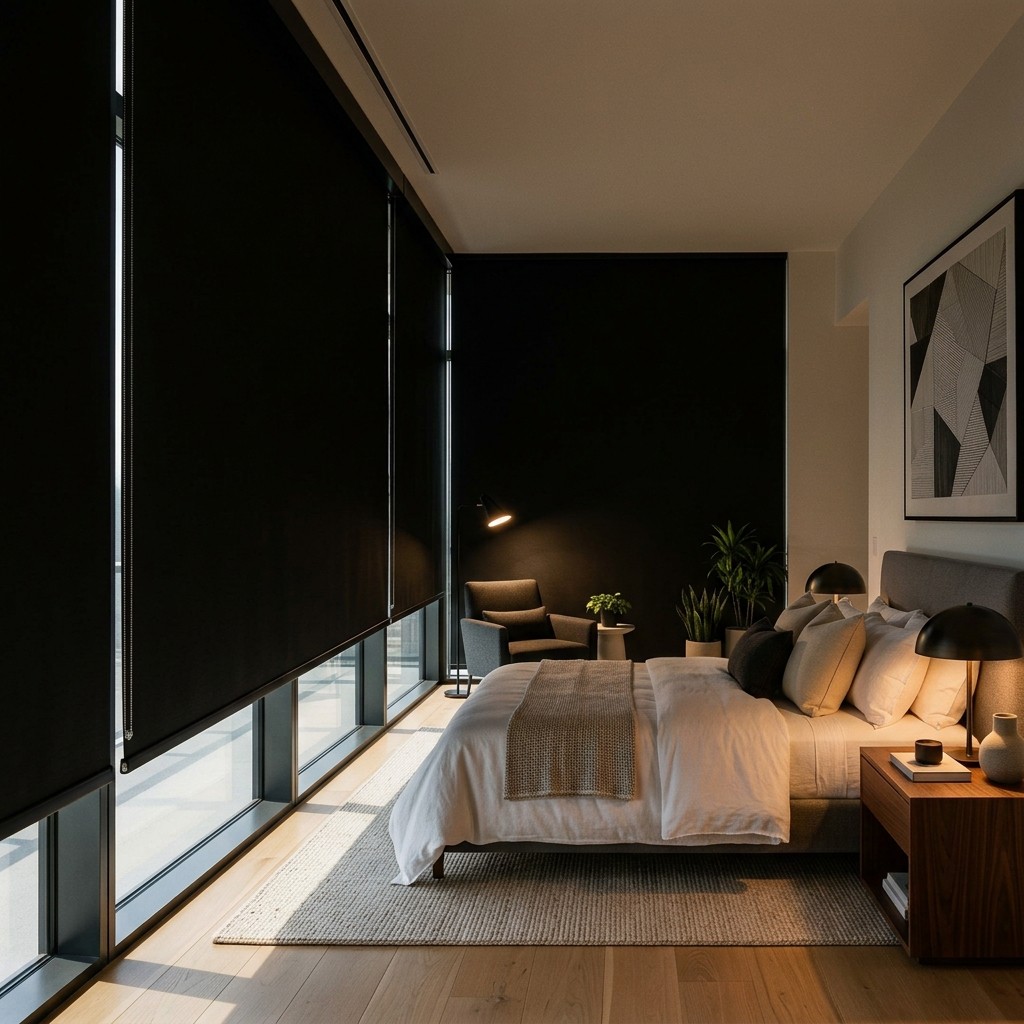
Motorized Blackout Shades: Total Light Control for Bedrooms and Home Theaters

motorized-blackout-shade_20261029-043142_1

Motorized blackout shades are window shades with light-blocking fabric and a quiet motor, so you can go fully dark with a tap, a keypad press, or a timed schedule. They work best in bedrooms, nurseries, home theaters, and media rooms, where darkness supports better sleep and a sharper picture. Side tracks, pockets, and careful mounting seal the edges of each window, so the whole room stays dark.

Automated blackout shades lower before the early summer sunrise in Atlanta and close out streetlight glow at night. Remote-control blackout shades also keep windows cordless, which keeps homes safer for children and pets. As part of a full motorized shades system with Lutron shades tied into lighting and AV control, they become one more task the house handles on its own.

What Makes a Shade 'Blackout'

A blackout shade uses opaque fabric that blocks light from passing through. Most blackout fabrics are coated, layered or backed with a liner, so the cloth stays dark even at midday. Motorized blackout shades pair this fabric with a quiet motor for easy daily use.

Shade fabrics come in three broad groups. Light-filtering and sheer fabrics soften glare, room-darkening fabrics block most light, and blackout fabrics block light completely. Blackout fabric works best in bedrooms, nurseries, theaters and media rooms.

Blackout fabric comes in several shade styles, from slim roller shades to insulating cellular shades and Roman shades with a blackout liner. Dual shades mount a sheer layer and a blackout layer on one bracket for day-and-night use. Full darkness depends on the fabric along with the edges, so careful installation completes every set of motorized blackout shades.

Continue reading

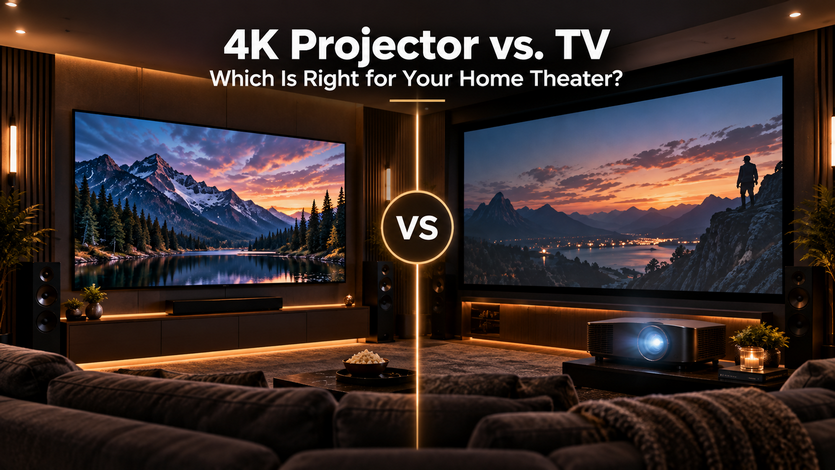
4K Projector vs. TV: Which Is Right for Your Home Theater?

4k projector vs tv

A 4K projector is the better choice for a dedicated, light-controlled theater room where you want a very large screen, while a 4K TV is usually the better choice for a multi-use media room or any space with ambient light you can't fully block. The decision comes down to how the room is used and how much control you have over light — not which technology is objectively "better."

Side-by-Side Comparison

Factor

4K Projector

4K TV

Best for

Continue reading

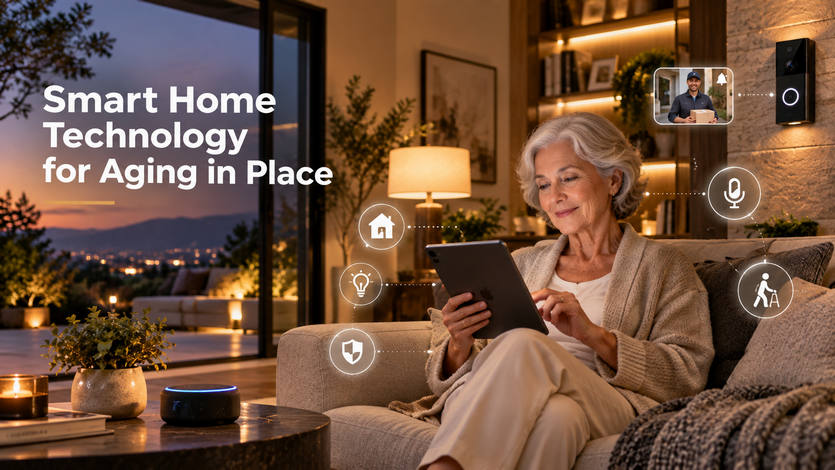
Smart Home Technology for Aging in Place

smart home for elderly

Smart home technology can support aging in place by reducing physical tasks that become harder over time — reaching light switches, checking who's at the door, remembering medication schedules — through voice control, automated lighting, and remote monitoring that family members can check in on. None of it replaces caregiving, but it can reduce daily friction and give family members added visibility without being physically present.

Voice Control: Removing the Need to Reach or Navigate

Voice-controlled lighting, thermostats, and locks reduce the need to get up, reach a wall switch, or navigate a smartphone app — all of which can become more difficult with mobility or vision changes. A simple voice command to turn on a light, lock a door, or check the weather removes several small physical steps that add up over the course of a day.

Lighting: Automatic Paths, Not Just Convenience

Motion-activated lighting along hallways, stairs, and bathrooms — turning on automatically rather than requiring someone to find a switch in the dark — addresses one of the more common fall risks in a home: navigating a dark space at night. Scheduled or automatic lighting also reduces the need to remember to turn lights on and off throughout the day, which can be a small but real source of frustration.

Video Doorbells and Cameras: Seeing Without Answering

A video doorbell lets someone see and speak to a visitor without walking to the door or navigating stairs, which matters both for convenience and for screening unfamiliar visitors. For family members who live elsewhere, camera access (with the resident's knowledge and consent) can provide reassurance that a parent or relative is moving around normally, without requiring a daily phone call to confirm.

Remote Monitoring: What Family Members Can Actually See

Some systems allow trusted family members to receive alerts for specific activity — a door left unlocked, unusual patterns like a refrigerator door not opening at a typical time, or simply confirmation that daily routines (lights, doors) are following a normal pattern. This is not medical monitoring or a substitute for in-person care, but it can flag noticeable changes in routine that might otherwise go unnoticed from a distance.

Continue reading

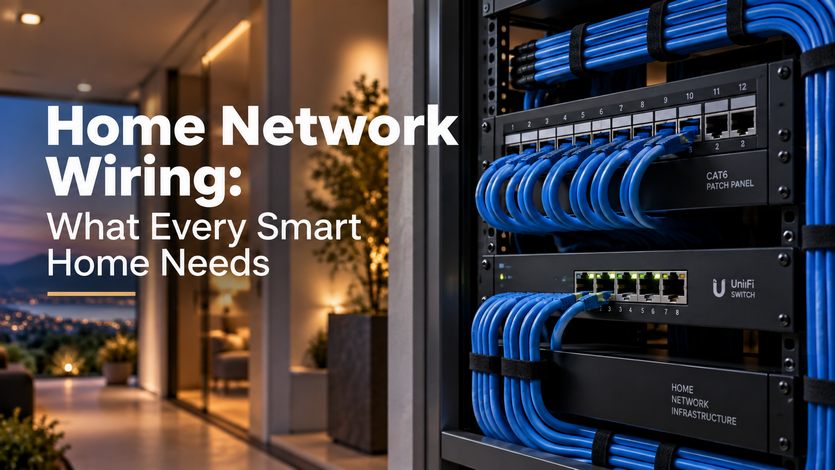
Home Network Wiring: What Every Smart Home Needs

home network wiring

Home network wiring — running Ethernet cable to fixed points throughout the house, rather than relying on WiFi alone — gives smart home devices a stable, dedicated connection that doesn't compete with every phone, laptop, and streaming device in the house for the same wireless bandwidth. WiFi is convenient for mobile devices, but stationary equipment like access points, streaming boxes, security cameras, and automation controllers perform far more reliably when wired directly.

Why WiFi Alone Falls Short in a Smart Home

WiFi signal weakens with distance, walls, and interference from other devices, and a house full of smart devices — cameras, thermostats, speakers, lighting controllers — adds significant load to a single wireless network. Even a strong router will struggle to maintain consistent performance if it's the sole connection point for dozens of devices, especially ones like security cameras that stream continuous video. Wired connections eliminate this bottleneck for the devices that need it most.

Structured Wiring: The Backbone Behind a Connected Home

Structured wiring refers to a planned network of Ethernet cable running from a central distribution point (usually a network rack or panel) out to key locations — WiFi access points on each floor, home theater equipment, security system hardware, and any hardwired smart home controllers. Rather than one router trying to cover an entire house wirelessly, multiple access points wired back to the same network provide consistent coverage in every room, including basements and outdoor-adjacent spaces that WiFi alone often struggles to reach.

New Construction: The Cheapest Time to Wire a House

Running network cable during framing, before drywall goes up, costs a fraction of what it costs to add wiring afterward, since walls are already open and accessible. This is the point where most integrators recommend running more cable than seems necessary — adding a few extra runs to rooms that might need a wired device later is inexpensive during construction and expensive to add after the fact.

Retrofitting an Existing Home

Adding structured wiring to a finished home is more involved but still practical in most cases, using techniques like fishing cable through existing wall cavities, running wire through attics and basements, or using conduit for a cleaner, more accessible retrofit. Homes with accessible attics and basements are generally easier and less invasive to wire than homes without that access, since cable can be routed through those spaces rather than opening finished walls.

Continue reading

Do You Need Home Theater Soundproofing?

home theater soundproofing

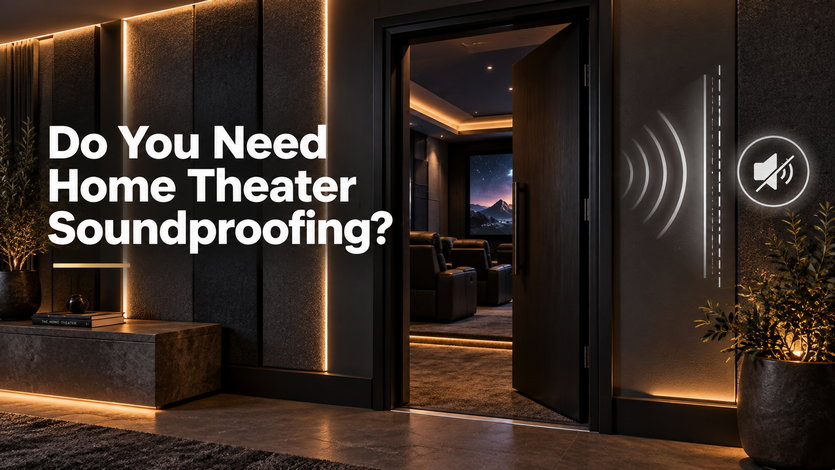
You need home theater soundproofing if movie or music volume is disturbing other rooms, other people in the house, or neighbors — and you don't need it if your main concern is how the room itself sounds, which is a separate issue handled by acoustic treatment instead. These two get confused constantly because they sound similar, but they solve different problems and use different materials.

Soundproofing vs. Acoustic Treatment: The Distinction That Matters

Soundproofing controls sound transmission — keeping noise from leaving the room (or entering it from elsewhere in the house). Acoustic treatment controls sound behavior — how clear or muddy the audio sounds once you're inside the room. A theater can have excellent acoustic treatment and still be loud enough to hear from two rooms away, because acoustic panels and bass traps aren't designed to block sound transmission through walls; that's a separate job requiring different construction.

Signs You Actually Need Soundproofing

The clearest sign is a direct complaint — someone in an adjacent room, upstairs bedroom, or next door can hear movie dialogue, bass, or explosions clearly enough that it's disruptive. Homes where the theater room shares a wall with a bedroom, home office, or nursery are the most common candidates, especially if movie nights happen in the evening while others are trying to sleep or work. If nobody has ever mentioned hearing anything from the theater room, soundproofing likely isn't a pressing need yet, regardless of how the room sounds inside.

What Soundproofing Actually Involves

Effective soundproofing typically combines a few approaches rather than relying on one: mass-loaded vinyl or additional layers of drywall to add density to walls (sound has a harder time passing through denser material), decoupling techniques like resilient channels that physically separate one side of a wall from the other to interrupt vibration transfer, and sealing air gaps around doors, outlets, and vents, since sound leaks through even small openings the way air does. A solid-core door with a proper seal makes a bigger difference than most homeowners expect, since a standard hollow interior door transmits sound easily regardless of what's done to the walls.

Bass Is the Hardest Frequency to Stop

Low frequencies — the deep rumble from a subwoofer or explosion effects — are the most difficult sound to contain, because bass travels through structure (floors, framing, ductwork) rather than just air. This is why a room can be reasonably soundproofed against dialogue and mid-range sound but still transmit bass elsewhere in the house; addressing bass transmission specifically often requires isolating the subwoofer itself, not just treating the walls.

Continue reading

How a Whole-House Audio System Works

How-a-Whole-House-Audio-System-Works

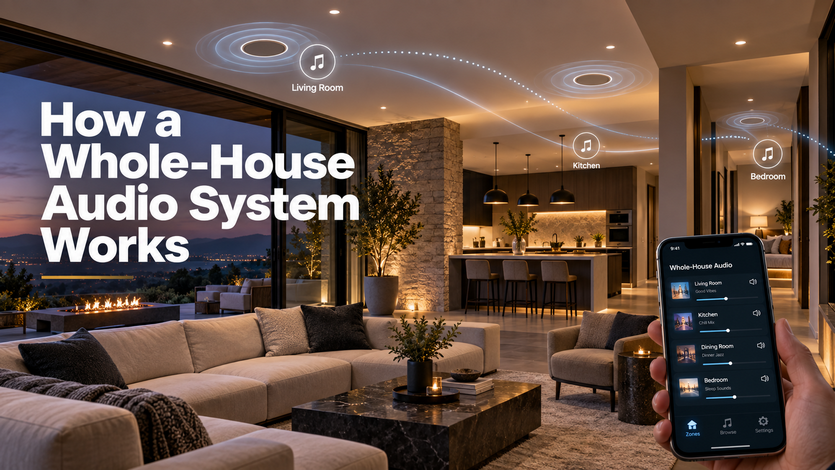
A whole-house audio system lets you play music (or different music) in multiple rooms at once, controlled from your phone or a wall panel, using speakers wired into each room and tied back to a central set of amplifiers. The core idea is simple — every room is its own "zone" that can play the same source as the rest of the house or something completely different.

The Three Parts of Every System

Every whole-house audio setup, regardless of brand, is built from the same three pieces: speakers in each room (in-ceiling, in-wall, or outdoor), a matrix amplifier or set of amps that power those speakers and route audio to the right zones, and a control system — an app, wall keypad, or voice assistant — that lets you choose what plays where.

The amplifier is doing more work than people expect. It's not just powering the speakers; it's the switchboard deciding whether the kitchen zone gets the same Spotify playlist as the living room, or its own separate source entirely.

What "Zones" Actually Means

A zone is any area with independent volume and source control — usually a room, but sometimes a smaller area like a home office or a larger one like an entire outdoor patio. The number of zones in a house is a design decision, not a fixed number: a two-story home might have eight zones (four bedrooms, kitchen, living room, patio, garage) or as few as three if the homeowner only wants music in the main living spaces.

More zones mean more flexibility but also more wiring and a bigger amplifier — this is usually where cost scales, not the speakers themselves.

Continue reading

Lighting Control Systems: What They Are and Why You Want One

lighting control system

A lighting control system replaces individual light switches and dimmers with a connected setup that lets you control every light in the house from an app, wall keypad, or voice command — individually or in coordinated groups called "scenes." The real value isn't turning lights on remotely; it's setting up lighting once, the way you actually want it, and having it repeat reliably without walking around adjusting six different switches.

Scenes: The Feature Most People Actually Want

A scene is a saved combination of lighting levels across multiple rooms or fixtures, triggered with one command instead of adjusting each light individually. A "movie night" scene might dim the living room to 20 percent, turn off the kitchen lights entirely, and bring up a soft glow in the hallway — all from pressing one button or saying one phrase. This is the feature that tends to sell people on lighting control once they've actually used it, because it replaces a multi-step routine with a single action.

Scheduling: Lighting That Works Without You

Scheduled lighting can turn porch and pathway lights on at sunset and off at sunrise automatically, adjusting the actual time daily rather than relying on a fixed clock schedule that drifts out of sync with the season. Interior lights can be scheduled to give the appearance of an occupied home while traveling, using randomized timing rather than the exact same lights turning on at the exact same minute every night, which is a more convincing pattern.

Dimming: More Than Just Lower Brightness

Proper dimming does more than reduce a light's intensity — quality dimmers (like Lutron's) are engineered to dim smoothly across the full range without the flickering or buzzing that cheaper dimmers can cause, especially with LED bulbs, which are more sensitive to dimmer compatibility than older incandescent bulbs. This is a common source of frustration in DIY lighting upgrades: a dimmer that isn't matched properly to LED fixtures can cause visible flicker or a limited, uneven dimming range.

Keypads vs. Apps vs. Voice: Picking the Right Control for Each Room

The most effective lighting systems don't rely on a single control method everywhere. Wall keypads work best in main rooms where guests and every household member need simple, reliable access without opening an app. Apps are useful for full-house control, adjusting scenes remotely, or checking whether lights were left on. Voice control fits well for quick, single-room adjustments — "dim the living room" — but isn't always practical for coordinating a full multi-room scene.

Continue reading

Best Home Theater Projectors: What to Look For

best home theater projector 2026

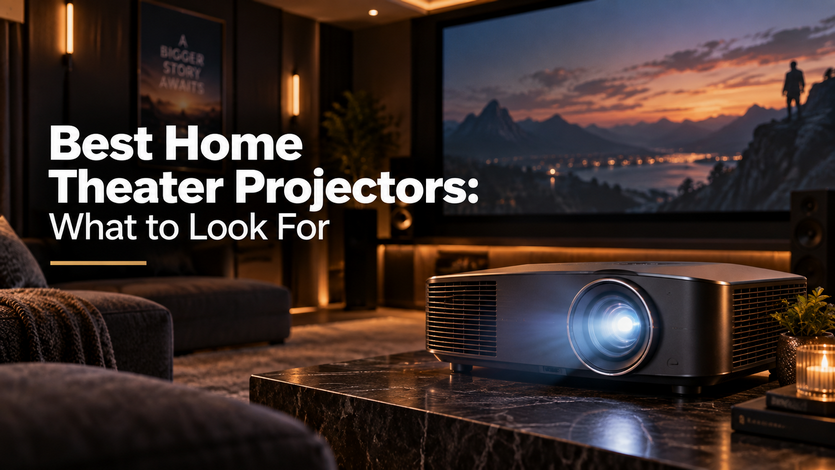
The best home theater projector for your room is determined by three things: how much ambient light the room lets in, how far the projector will sit from the screen, and what size image you want — not by picking whatever tops a "best of" list. A projector that performs beautifully in a fully dark, dedicated theater can look washed out and disappointing in a room with even moderate daylight.

Brightness (Lumens) Should Match Your Room, Not a Spec Sheet

Lumens measure how bright a projector's image is, and the right number depends entirely on ambient light. A room that can be fully darkened — blackout shades, no windows, or used mainly at night — can perform well with a projector in the 1,500–2,500 lumen range. A room with some daylight or ambient light that can't be fully blocked needs significantly more brightness, often 3,000 lumens or higher, to avoid a dim, washed-out picture.

Contrast Ratio: The Number That Matters More Than People Realize

Contrast ratio — the difference between the darkest black and brightest white a projector can produce — has a bigger effect on perceived picture quality than raw brightness. Two projectors with similar lumen counts can look completely different side by side if one has significantly better contrast; low-contrast projectors tend to produce grayish, flat-looking blacks instead of true dark tones, which is especially noticeable during dim or nighttime movie scenes.

Throw Distance: Measure Before You Shop

Throw distance is how far the projector needs to sit from the screen to produce a given image size, and it varies significantly between models. Standard-throw projectors need more room depth, short-throw models can sit close to the screen (useful for smaller rooms), and ultra-short-throw projectors can sit directly beneath the screen, which works well when a coffee table or low furniture would otherwise block a standard mount position. Measuring the actual room before shopping avoids buying a projector that simply can't be mounted where the room allows.

Resolution: 4K Is Standard, but Not the Only Factor

Most current home theater projectors offer 4K resolution, which is now the practical baseline rather than a premium upgrade. At this point, the differentiator between similarly priced projectors is less about resolution and more about brightness, contrast, and color accuracy — three projectors can all be labeled "4K" and still look noticeably different from one another.

Continue reading

Home Theater Room Design Ideas for Any Space

home theater room design ideas

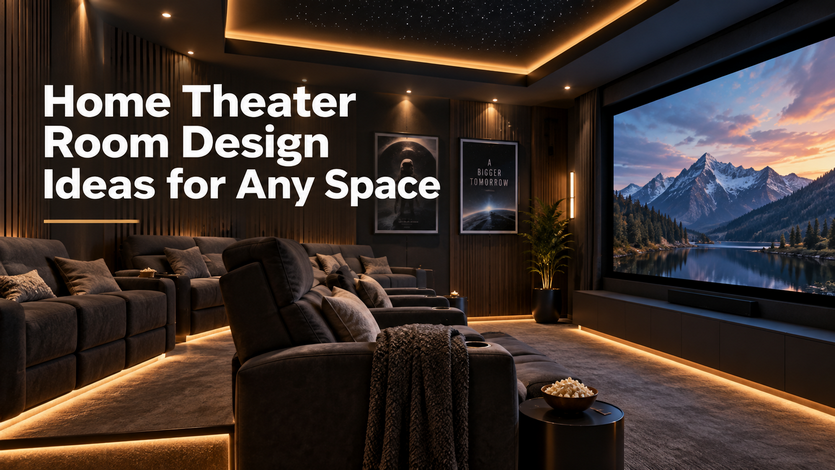
The right home theater design depends far more on the space you're starting with than on a fixed layout — a finished basement, a converted spare bedroom, and an open-concept media room each call for different decisions around seating, screen size, and light control. There isn't one universal blueprint, but there is a consistent set of questions worth answering before choosing furniture or equipment.

Basement Theaters: The Natural Fit

Basements tend to make excellent dedicated theaters because they're already dark, separated from the rest of the house's noise and daylight, and typically have fewer windows to manage. The main design considerations are ceiling height (low ceilings limit screen size and seating riser options), moisture control (especially in older homes), and running enough electrical and network wiring before drywall goes up, since retrofitting a finished basement later is far more disruptive.

Dedicated Media Rooms: Built for One Purpose

A dedicated theater room — a space used exclusively for movies and not doubling as an office or playroom — allows for the most control: tiered seating, full light-blocking treatments, dark wall colors and ceilings to reduce glare on the screen, and acoustic treatment without worrying about how it looks for other uses. This is typically the setup people picture when they think "home theater," but it requires a room the household is willing to dedicate entirely to that purpose.

Multi-Use Media Rooms: Designing Around Compromise

Many households don't have a room to spare exclusively for movies, and design a media room that also functions as a family room, playroom, or guest space. This works well with a few adjustments: motorized shades instead of blackout curtains (so the room can shift from bright and functional to dark and theater-ready in seconds), furniture that doubles as flexible seating rather than fixed theater recliners, and a screen or TV that looks intentional in the room's everyday design rather than dominating it.

Screen Size and Seating Distance

Screen size should be chosen based on how far the primary seating is from the screen, not room size alone. A general starting point is that seating distance should be roughly 1.5 to 2.5 times the screen's diagonal size for a comfortable, immersive view without straining to take in the whole picture. Rooms with shorter throw distances often do better with a large TV than a projector screen, since projectors typically need more distance to fill a screen properly.

Continue reading

Categories